
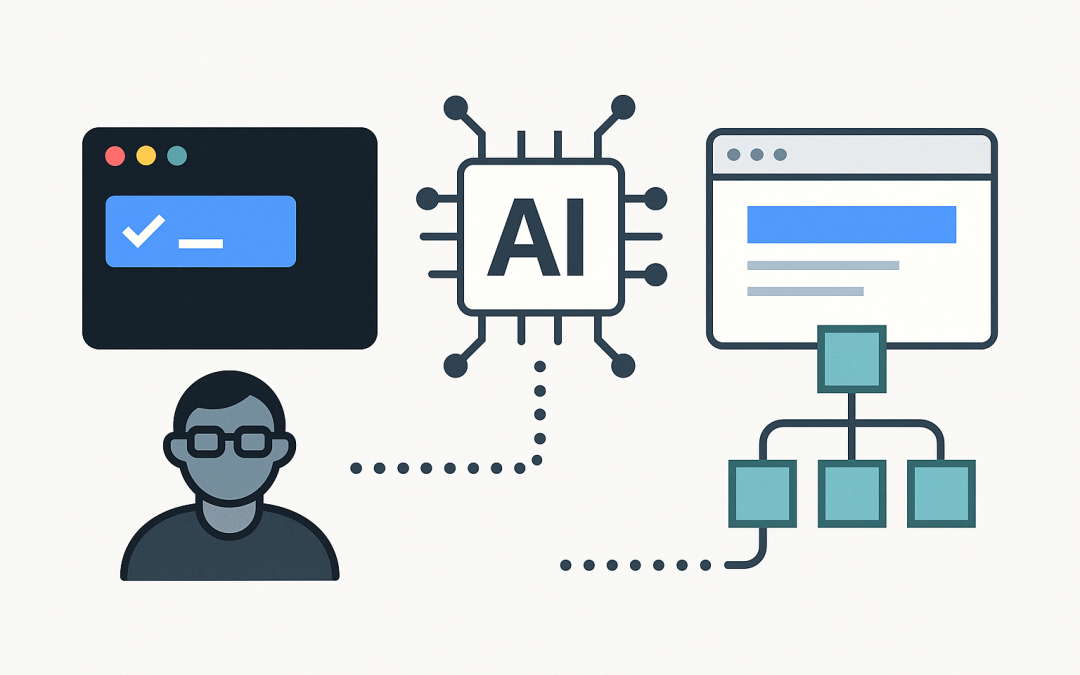
In this blog post GitHub Copilot CLI vs GitHub Copilot SDK we will break down what each option is, how they work under the hood, and when to use one, the other, or both. If you’re an IT leader planning governance or a developer trying to speed up delivery, the key is understanding that Copilot CLI is a user tool, while the Copilot SDK is a builder tool.
High level view of the difference
GitHub Copilot CLI is for people. It brings Copilot into your terminal so you can ask for help, generate commands, and run agent-style workflows with approvals.
GitHub Copilot SDK is for products and platforms. It helps you integrate Copilot capabilities into other tools (for example, an editor, an internal portal, or a Copilot Extension) by handling authentication, request verification, and response formatting so you can focus on your business logic.
What’s changed recently (and why it matters)
If you remember “Copilot in the CLI” as a gh extension (gh-copilot), that era is basically over. GitHub announced that the older gh-copilot extension would stop working on October 25, 2025 and positioned the newer GitHub Copilot CLI as the replacement. The old repository was archived soon after. This is important for teams updating onboarding docs, golden images, and developer workstations.
The main technology behind both
Both experiences are built around the same core idea: a Copilot-backed LLM service (hosted and governed by GitHub) that turns natural language into useful developer outputs. The difference is where the “AI” shows up in your workflow:
- Copilot CLI wraps that capability in a terminal-first user experience. It can propose actions (commands, edits, file changes) and asks for approval before executing.
- Copilot SDK provides developer-facing building blocks so you can create integrations that talk to Copilot APIs safely and consistently (for example: verify inbound requests, parse payloads, and stream responses back).
Think of it like this: the model and service are the engine, while the CLI or SDK is the vehicle you choose depending on the road you’re driving.
GitHub Copilot CLI explained
What it is
GitHub Copilot CLI is a terminal assistant (in public preview at the time of writing) that lets you interact with Copilot as an agent in the command line. It’s designed for building, debugging, and understanding code via conversational prompts, with explicit user approval for command execution and file changes.
How it’s installed and run
GitHub provides first-party installation paths (for example, via package managers). It can also be invoked through GitHub CLI in preview mode, where gh will run a Copilot CLI binary available in your PATH (or download it if missing). This helps standardise rollout in enterprise environments where gh is already approved.
Where it shines
- Incident response and debugging: summarise logs, propose next commands, explain unfamiliar repos.
- Developer acceleration: generate scripts, refactor suggestions, and shell commands safely with approval gates.
- Consistency: it inherits org Copilot policies, so you can manage access centrally.
Practical example prompts
# Explain what this repo does and how to run it
copilot -p "Read this project and tell me how to run tests and start the app"

# Suggest a safe sequence of git commands
copilot -p "I need to split this commit into two and keep history clean. Propose commands."
GitHub Copilot SDK explained
What people mean by “Copilot SDK”
In practice, “Copilot SDK” can refer to a few adjacent developer toolkits, depending on what you’re building:
- Copilot Extensions SDK (Preview SDK): a JavaScript/TypeScript SDK that streamlines building Copilot Extensions (agent-style), handling request verification, payload parsing, and response event building.
- Copilot Language Server SDK: an SDK that enables editors/IDEs to integrate with GitHub Copilot using the language server approach (LSP-based integration model).
So, the key question is not “CLI vs SDK” in the abstract. It is: Are you trying to help a developer do work right now? Or are you trying to embed Copilot into a tool that many developers will use?
What it enables
- Product integration: put Copilot into your platform surface area (internal tools, supported IDEs, or Copilot chat experiences).
- Custom workflows: connect Copilot to your systems (ticketing, CI/CD, knowledge bases, runbooks) in a governed way.
- Standardised security plumbing: validate requests, manage tokens, and format responses correctly.
Conceptual flow (how an SDK-based integration works)
- A user triggers a Copilot experience (for example, in chat).
- Your integration receives a request payload.
- You verify the request (signature / key id pattern depends on the integration).
- You call your internal services and optionally Copilot APIs.
- You stream structured events back (ack, text, done).
Small code sketch (Preview SDK style)
This is a simplified example to show the feel of an SDK integration: verify an incoming request, then send back a few response events.
import {
 verifyRequestByKeyId,
 createAckEvent,
 createTextEvent,
 createDoneEvent,
} from "@copilot-extensions/preview-sdk";

export default async function handler(req, res) {
 const signature = req.headers["x-github-signature"];
 const keyId = req.headers["x-github-key-id"];

 const { isValid } = await verifyRequestByKeyId(req.body, signature, keyId, {
 token: process.env.GITHUB_TOKEN,
 });

 if (!isValid) {
 res.status(401).end("Invalid signature");
 return;
 }

 res.write(createAckEvent());
 res.write(createTextEvent("Got it. I’m checking your internal runbook now..."));
 res.end(createDoneEvent());
}
Side by side comparison
What you are buying (capability)
- Copilot CLI: a ready-to-use tool for individuals and teams in terminal workflows.
- Copilot SDK: a way to build and operate Copilot-powered experiences inside your products and tooling.
Who owns it
- Copilot CLI: typically owned by developer experience / endpoint engineering (rollout) and used by developers.
- Copilot SDK: owned by platform engineering or product teams (build, deploy, support).
Time to value
- Copilot CLI: fast. Install, authenticate, use.
- Copilot SDK: slower initial value, bigger long-term payoff. You will build services, deploy, and maintain.
Governance and risk profile
- Copilot CLI: focus on endpoint controls, prompt guidance, approvals for actions, and policy enablement.
- Copilot SDK: focus on secure request verification, data exposure boundaries, auditing, and reliability engineering.
How to choose (a practical decision guide)
Choose Copilot CLI when
- Your main bottleneck is developer “flow” in shell-driven work.
- You want a quick productivity win without building new services.
- You want an agent-like terminal experience with explicit approvals.
Choose Copilot SDK when
- You need Copilot to interact with your internal systems (knowledge bases, APIs, CI, deployment tooling).
- You want consistent workflows across teams, not just individual power users.
- You are building an integration that must be supported, audited, and improved over time.
Use both when
- You want developers to move faster locally (CLI) and also want a shared, organisation-wide Copilot workflow (SDK).
- You’re standardising how people debug and deploy: CLI handles the interactive terminal path, while the SDK powers chat-based runbooks or internal assistants.
Rollout tips for tech leaders
1) Update your internal docs (with dates)
If your onboarding references gh-copilot, update it. The extension was scheduled to stop working on October 25, 2025, and the old repo was archived. Point people to Copilot CLI instead.
2) Start with “safe” use cases
- Summarising diffs and commits
- Explaining unfamiliar code
- Generating one-off scripts (with peer review)
3) Set clear guardrails
- Define what data can be pasted into prompts.
- Prefer least-privilege tokens for SDK integrations.
- Log and audit SDK-based automation like any other production service.
4) Treat SDK projects like real products
If you build on the SDK, plan for versioning, changelogs, alerting, and on-call ownership. The value is huge, but only if it’s reliable and trusted.
Bottom line
GitHub Copilot CLI is the quickest path to better terminal productivity and agent-style help for developers. GitHub Copilot SDK is how you embed Copilot into your organisation’s tooling and create durable, repeatable workflows. Many teams start with the CLI to build confidence, then invest in SDK-based integrations once they know exactly which problems are worth automating.
Discover more from CPI Consulting
Subscribe to get the latest posts sent to your email.