
In this blog post Your Competitor Just Hired an AI Employee And It Works 24/7 we will explain what an “AI employee” really is, why it’s suddenly working in real businesses, and how to build one safely on Microsoft and modern AI platforms.
If you’ve had that uncomfortable moment where a competitor is replying faster, quoting sooner, closing deals earlier, or running leaner IT than you think is possible, this is often what’s going on behind the scenes.
Not a bigger team. Not superhuman staff.
They’ve put a few AI agents to work—quietly doing the repetitive tasks that used to chew up hours of human time. And yes, they run 24/7.
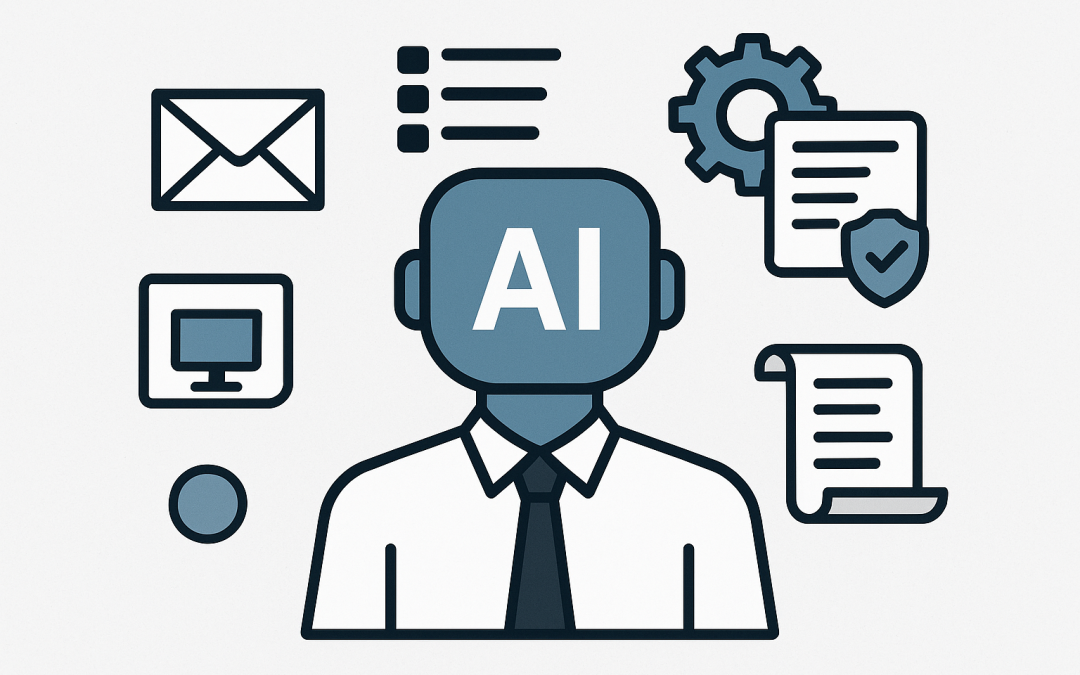
A high-level view of the “AI employee” concept
An AI employee is a software-based assistant that can understand requests in plain English, follow steps, use business systems, and produce outcomes—like drafting a customer email, triaging support tickets, checking security alerts, or creating a weekly report.
It’s not magic. It’s not “set and forget” either.
Think of it as a new type of automation: instead of rigid rules (“if X then Y”), it can handle messy real-world inputs (“this invoice looks wrong, can you check it against the PO and ask the supplier?”).
Why it works now (when chatbots used to be a joke)
Most leaders tried chatbots years ago and got burned: they were brittle, annoying, and constantly escalated to humans.
What changed is that modern AI can do three things well enough to be useful in business:
- Reason over text: understand requests and context, even when people are vague.
- Use tools: call business systems (like Microsoft 365, ticketing, CRMs) via approved actions.
- Follow guardrails: operate within policies you control (what it can access, what it can’t do, and when it must ask a human).
In other words: it’s moved from “chatting” to getting work done.
The main technology behind an AI employee (plain English first)
At the centre is a large language model (LLM). That’s the “brain” that reads and writes like a person.
But the LLM is only half the story. The real business value comes from pairing it with:
- Identity and access control (who it is, what it can see, and what it can do)
- Tools / actions (approved operations in your systems, like creating a ticket or resetting a password)
- Business knowledge (your policies, templates, product info, and procedures)
- Audit logs (a trail of what it did, when, and why)
In Microsoft terms, many organisations deliver this through combinations of Microsoft 365, Copilot Studio (for building agents), Azure (for hosting and security), and security controls like Microsoft Defender. If your business needs deeper security visibility, platforms like Wiz add another layer of cloud risk detection and prioritisation.
What an AI employee looks like in a 50–500 person business
Here are the patterns we’re seeing work reliably, without turning your environment into a science experiment.
1) A “Level 1” service desk agent that reduces ticket load
Pain point: Your IT team spends too much time answering the same questions and doing the same small fixes.
AI employee behaviour:
- Greets users in Teams
- Asks 2–3 clarifying questions (like a good technician would)
- Creates a ticket with the right category and detail
- Suggests a fix based on your standard operating procedures
- Escalates to a human when it’s uncertain or the risk is high
Business outcome: fewer interruptions for senior staff, faster response times, and more consistent service.
2) An onboarding/offboarding agent that runs every time, correctly
Pain point: New starters arrive with missing access, and leavers keep access longer than they should (a security risk and an Essential 8 headache).
AI employee behaviour:
- Triggers when HR submits a form
- Prepares the checklist (accounts, groups, device requirements, training links)
- Creates tasks for approvals
- For offboarding, confirms disablement steps and records evidence
Business outcome: reduced security risk, cleaner audits, and less “tribal knowledge” dependency.
3) A security triage agent that helps you act faster
Pain point: Security alerts keep coming, but your team doesn’t have time to interpret everything quickly. Important alerts get lost in noise.
AI employee behaviour:
- Reads alerts from your security stack
- Summarises what happened in plain English
- Pulls relevant context (device owner, recent sign-ins, similar events)
- Recommends next steps and labels urgency
- Never “auto-remediates” without clear approval rules
Business outcome: faster response, reduced breach impact, and better security decision-making without hiring a full SOC overnight.
A real-world scenario (anonymised)
A Melbourne-based professional services firm (around 200 staff) was growing quickly. Their IT manager was drowning in two types of work:
- Constant “how do I…” questions in Teams
- Onboarding tasks that were different every time depending on who remembered what
They weren’t short on capability. They were short on uninterrupted time.
We helped them build a simple AI employee that lived in Teams and did three things:
- Answered common questions using their own internal knowledge base
- Raised properly structured tickets when it couldn’t resolve an issue
- Generated an onboarding checklist and routed it for approval
Within weeks, the IT manager reported fewer drive-by interruptions, cleaner tickets, and faster onboarding. The biggest win wasn’t “AI”. It was getting time back without hiring another full-time person.
How to build an AI employee safely (without creating a security incident)
This is where many businesses get it wrong: they treat an AI employee like a toy.
If it can access mailboxes, files, devices, or cloud systems, it must be treated like a real employee from a risk standpoint—sometimes a high-risk one.
Step 1: Pick one job, not “do everything”
Choose a workflow with clear boundaries (e.g., “triage tickets”, “prepare onboarding checklist”, “draft customer follow-ups”).
Success comes from narrow and reliable, then expanding.
Step 2: Define what it is allowed to access
Use the same principle as good security practice: least privilege (only the access it needs).
This is also aligned with Essential 8 thinking: reduce privileges, reduce blast radius.
Step 3: Decide what requires human approval
A practical rule: if an action is expensive, irreversible, or security-sensitive, it needs a human in the loop.
Examples that typically require approval:
- Disabling accounts
- Changing multi-factor authentication settings
- Releasing emails from quarantine
- Making changes to financial systems
Step 4: Make the AI explain itself
Require the agent to provide a short justification: what it saw, what it decided, and what it wants to do next.
This increases trust and reduces “mystery automation”.
Step 5: Log everything
You want an audit trail for compliance, troubleshooting, and continuous improvement.
If you can’t answer “what happened and why?” you don’t have an AI employee—you have a liability.
A simple example: an AI agent that triages support tickets
This is deliberately lightweight and readable. The idea is: user message goes in, the agent returns a structured ticket object that your system can submit.
// Pseudocode: Ticket triage agent
// Goal: turn messy user messages into clean, consistent tickets

function triageTicket(userMessage) {
 // 1) Ask clarifying questions only if needed
 // 2) Classify category (e.g., Email, Device, Access, Network)
 // 3) Estimate urgency (Low/Medium/High)
 // 4) Produce a structured ticket

 return {
 requester: "user@company.com",
 summary: "Cannot access SharePoint on laptop",
 details: "User reports sign-in loop in browser. Started after password change. Affects Edge and Chrome.",
 category: "Access",
 urgency: "Medium",
 suggestedNextSteps: [
 "Confirm multi-factor authentication prompts appear",
 "Check recent sign-in logs for failures",
 "Clear browser cookies for Microsoft sign-in domains"
 ],
 needsHumanApproval: false
 };
}
In a real implementation, the “suggestedNextSteps” come from your own internal playbooks, and the agent uses approved actions (like creating a ticket) rather than doing risky changes on its own.
What most teams get wrong about AI employees
They start with the model instead of the workflow
The model is important, but the workflow design is what delivers the business outcome.
They forget about device and identity hygiene
If your device management and security baselines are inconsistent, you’ll struggle to scale any automation safely.
This is where Microsoft Intune (which manages and secures all your company devices) and Microsoft Defender (which detects and responds to cyber threats) often become foundational—because you can’t automate chaos.
They skip governance until something goes wrong
Who can create agents? Who can connect data sources? Who can approve actions? These need answers early, not after an incident.
Where CloudPro Inc fits (and how to think about next steps)
As a Melbourne-based Microsoft Partner and Wiz Security Integrator, we’re seeing the same pattern across Australia: organisations don’t need “more AI”.
They need one or two useful AI employees tied to real work, secured properly, and measured by outcomes—time saved, risk reduced, and fewer fires.
With 20+ years of enterprise IT experience, our approach is hands-on and practical: define the workflow, lock down access, build the agent, and then measure whether it actually reduced cost or risk.
Summary
- An AI employee is an always-on digital worker that can understand requests, use tools, and complete defined workflows.
- The value comes from pairing an LLM with identity controls, approved actions, business knowledge, and audit logs.
- The safest wins are narrow: ticket triage, onboarding checklists, and security alert summarisation.
- Good governance and least-privilege access matter as much as the AI itself.
If you’re not sure whether an AI employee would genuinely save time in your business—or you’re worried about security and compliance (including Essential 8, the Australian government’s cybersecurity framework that many organisations are now required to follow)—we’re happy to take a look at your workflows and suggest a practical starting point. No pressure, no strings attached.
Discover more from CPI Consulting
Subscribe to get the latest posts sent to your email.