
In this blog post How to Create Practical AI Policies Your Employees Will Follow we will explain how to protect business data, reduce legal risk and give employees clear rules without stopping useful AI adoption.
Many organisations already have an AI policy. The problem is that employees either cannot understand it, cannot find it or cannot follow it while doing their jobs.
When the policy simply says “do not enter confidential information into AI,” people are left to decide what confidential means. They may paste a customer email into ChatGPT, upload a contract to Claude or use a personal AI account to summarise meeting notes without realising the risk.
What an AI policy is really designed to do
An AI policy is a set of practical rules explaining how employees may use artificial intelligence at work. It should identify approved tools, permitted information, activities requiring human review and uses that are not allowed.
The goal is not to eliminate every possible risk. It is to help employees make good decisions quickly while giving management reasonable control over company information, customer privacy and business outcomes.
This is one part of wider AI governance. If your organisation is still deciding who approves AI systems and accepts their risks, our guide to AI governance ownership and accountability provides a useful starting point.
Why AI creates different policy challenges
Generative AI tools such as Microsoft Copilot, OpenAI models and Anthropic Claude are built on large language models. In simple terms, these systems study patterns in large amounts of information and generate responses by predicting what content should come next.
They do not understand facts in the same way a person does. They can produce convincing but incorrect answers, overlook important context or reflect problems in the information they were given.
The employee’s prompt may also contain business data. Depending on the product, subscription, contract and configuration, that information may be processed, retained or accessed in ways the employee does not understand.
Modern AI can also connect to email, documents, customer systems and internal applications. These connections can make AI much more useful, but they also mean that poor access controls can expose information at greater speed and scale.
Start with the work employees are already doing
Do not write the policy in isolation. Speak with teams across sales, finance, operations, marketing, human resources and customer service to learn how they are already using AI.
You may discover that employees are drafting proposals, reviewing spreadsheets, generating marketing content or summarising customer conversations. These activities are not automatically bad, but each involves different information and different consequences if the AI gets something wrong.
Create a simple register covering the tool, business purpose, data involved, owner and level of risk. This gives leadership visibility without forcing every minor experiment through a month-long approval process.
This discovery process also helps distinguish casual chatbot use from AI connected to real systems and workflows. Our article on designing AI conversations around business processes explains why that distinction matters.
Use a traffic-light model employees can remember
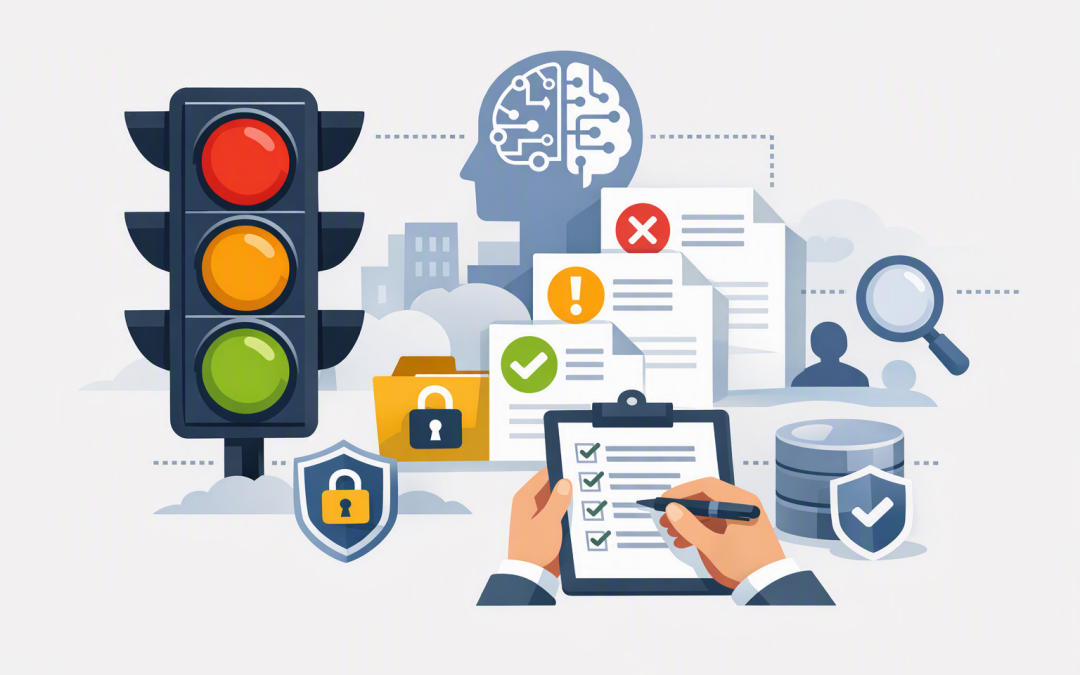
A policy is more likely to work when employees can apply it without calling IT every time they write a prompt. A simple green, amber and red model gives them a quick decision framework.
Green uses
- Brainstorming ideas using non-sensitive information.
- Improving the wording of general documents.
- Summarising public reports or published material.
- Creating draft agendas, templates and checklists.
These activities usually create limited risk, provided employees use an approved business AI service and check the result.
Amber uses
- Working with internal operational information.
- Analysing customer feedback or employee comments.
- Drafting contracts, policies or financial material.
- Using AI output to support recruitment or performance decisions.
Amber uses should require an approved tool, an authorised employee and documented human review. Privacy, legal or security approval may also be needed when personal or commercially sensitive information is involved.
Red uses
- Entering passwords, security keys or authentication details.
- Uploading highly sensitive customer or employee records into an unapproved service.
- Allowing AI to make final decisions about hiring, dismissal, credit, safety or legal rights.
- Publishing AI-generated claims without checking their accuracy.
- Connecting an unapproved AI agent directly to company systems.
Red does not always mean “never.” It means the activity cannot proceed without formal assessment, executive ownership and appropriate safeguards.
Make human accountability impossible to misunderstand
The employee using AI remains responsible for the result. That rule should appear near the beginning of the policy rather than being buried on page twelve.
Require people to check facts, calculations, names, dates, recommendations and legal or financial statements before the content is used. The higher the potential impact, the more experienced the reviewer should be.
For example, AI may create a first draft of a customer proposal. A salesperson must still confirm the pricing, delivery commitments and product claims before sending it.
If AI begins performing tasks across several systems, stronger controls are required. Our enterprise AI agent governance blueprint covers ownership, approvals, monitoring and human intervention for these more advanced systems.
Support the written policy with technical controls
A policy cannot protect information if employees can freely install applications, create personal accounts and connect unknown tools to company data. The written rules need to be supported by the technology employees use every day.
Microsoft Intune, which manages and secures company devices, can help control which applications are available. Microsoft Defender, which detects threats and risky activity, can help identify suspicious behaviour, while identity controls can limit AI access to authorised employees.
Organisations should also provide approved business accounts rather than expecting employees to use free consumer services. Configure access according to job responsibilities and remove it promptly when an employee changes role or leaves.
These controls should complement the Essential 8, the Australian government’s cybersecurity framework that many organisations use as a practical security baseline. AI introduces new risks, but it does not remove the need for multi-factor authentication, patching, access control and reliable backups.
A practical scenario
Consider a 200-person professional services company where employees are using several personal AI accounts. Management responds with a complete ban, but staff continue using the tools because they save hours when preparing reports and proposals.
A better approach is to approve one or two business-grade services, block unapproved applications where practical and introduce a one-page traffic-light guide. Department managers nominate common use cases, while high-risk requests go through a short review involving IT, privacy and the relevant business owner.
The result is not just lower risk. Employees spend less time guessing what is allowed, managers gain visibility into AI use and the company can invest in tools that deliver measurable value instead of paying for scattered subscriptions.
Keep the policy short and maintain it
A usable employee policy should normally fit into two or three pages. Put detailed risk assessments, technical standards and procurement requirements in supporting documents for the people who need them.
The employee-facing version should answer five questions:
- Which AI tools may I use?
- What information may I enter?
- What must I check before using the output?
- Which activities require approval?
- Who do I contact when I am unsure or something goes wrong?
Review the policy at least quarterly during active AI adoption and whenever a major tool, regulation or business process changes. Australian privacy obligations continue to apply when AI handles personal information, so privacy cannot be treated as an optional extra.
Training should use examples from your own workplace rather than generic warnings. A 20-minute session showing safe and unsafe prompts will usually be more useful than asking employees to read a long legal document.
Good AI policy should make safe use easier
The strongest AI policies do not begin with prohibition. They give employees approved tools, memorable boundaries, clear accountability and a straightforward path for requesting new uses.
CloudProInc combines more than 20 years of enterprise IT experience with practical expertise across Microsoft 365, Azure, OpenAI, Claude, Intune, Defender and Wiz security. As a Melbourne-based Microsoft Partner and Wiz Security Integrator, we help organisations turn broad AI principles into controls that work in day-to-day operations.
If you are not sure what AI tools your employees are already using, or whether your current policy provides real protection, we are happy to take a practical look at your setup — no strings attached.
Discover more from CPI Consulting
Subscribe to get the latest posts sent to your email.