
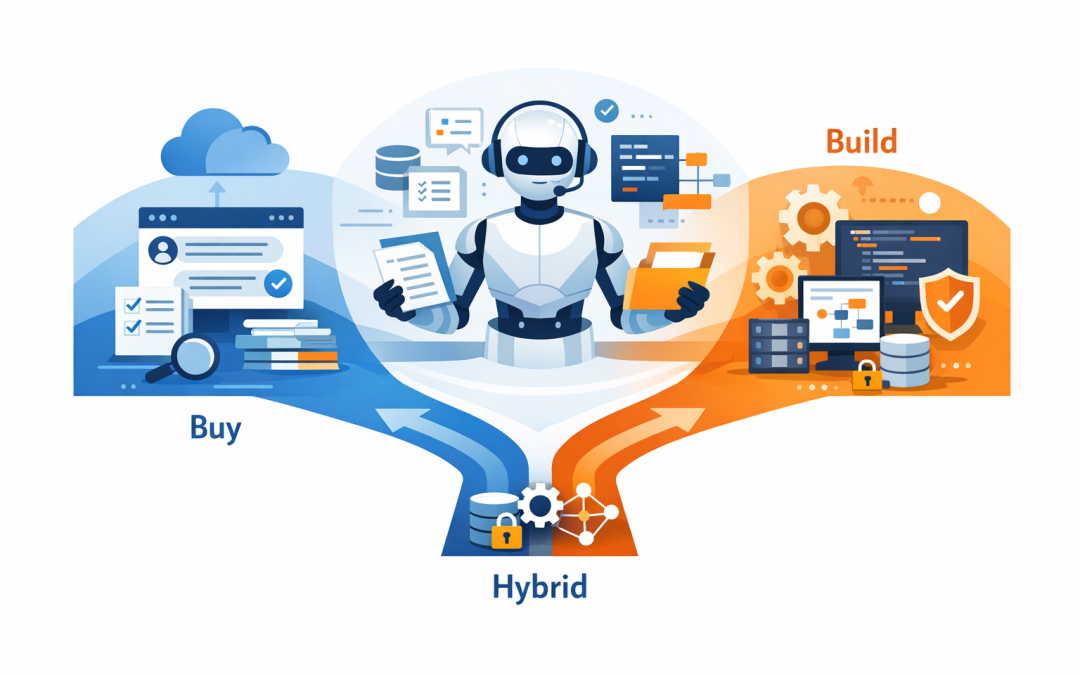
In this blog post Build or Buy AI Agents and How Enterprises Make the Right Call we will look at how business leaders can decide whether to buy an off-the-shelf AI agent, build a custom one, or combine both. Right now, many CIOs, CTOs, and business owners are under pressure to do something with AI, but the real problem is not access to tools. It is choosing an approach that saves money, reduces risk, and actually helps people work faster.
That matters because a lot of businesses are heading into AI the same way they once headed into cloud software: too quickly, with too many assumptions, and without a clear business case. The result is usually the same. Teams pay for overlapping tools, sensitive data ends up in the wrong places, and the promised productivity gains never show up.
What an AI agent actually is
At a high level, an AI agent is not just a chatbot. It is a system that uses a large language model, which is the technology behind tools like ChatGPT and Claude, together with instructions, company information, and approved actions so it can complete a task rather than just answer a question.
In plain English, think of an AI agent as a digital worker with limits. It can read a policy, search a knowledge base, draft an email, create a ticket, summarise a contract, or hand work to a human for approval. The useful part is not the conversation. The useful part is the workflow behind it.
Modern agent platforms now make this much easier than it was even a year ago. Microsoft, OpenAI, and Anthropic all offer ways to connect AI models to business data and tools, which means mid-sized companies no longer need a huge development team just to test a practical use case.
Why the build or buy decision matters more than most people think
Most businesses do not fail with AI because the model is bad. They fail because they chose the wrong delivery model.
If you buy too early, you can end up with a shiny tool that does not fit your real process. If you build too early, you can spend months creating something custom for a problem that already had a safe, lower-cost solution.
The right choice usually comes down to four things: how unique your process is, how sensitive the data is, how quickly you need results, and how much control you need over the experience.
When buying makes more sense
Buying is often the smarter choice when the business problem is common and the process is fairly standard.
For example, if you want an internal assistant that helps staff find policies, answer IT questions, summarise meetings, or automate simple employee requests, a platform like Microsoft Copilot Studio, which is Microsoft’s low-code tool for building AI agents and workflows, can be a strong fit. It is faster to deploy, easier to govern, and often cheaper than building from scratch.
Buy if speed matters
If your business wants a result this quarter, not next year, buying usually wins. You are using a platform that already includes the plumbing: user access, security controls, testing tools, and basic workflow capability.
The business outcome is simple. You get to value faster, with less project risk.
Buy if the use case is not unique
Not every workflow is a source of competitive advantage. If your AI use case looks a lot like everyone else’s, such as help desk triage, FAQ automation, meeting summaries, or internal knowledge search, buying can avoid unnecessary build cost.
The business outcome here is lower total cost and less complexity to maintain.
Buy if you need less custom development
Many mid-market companies do not want to become software businesses. They want a practical tool that works, fits into Microsoft 365, and can be managed by internal IT without needing a team of developers.
That is often the right call. A good bought solution will cover most of the requirement with far less effort.
When building makes more sense
Building is usually the better option when the workflow is specific to your business, crosses multiple systems, or needs tighter control over logic, approvals, and user experience.
For example, if you want an AI agent to review customer onboarding documents, check contract terms, pull data from your CRM and finance system, draft a response, and then send it to a manager for approval, that is no longer a simple chatbot. It is part of an operating process. That is where custom design starts to pay off.
Build if your process is unique
If the workflow reflects how your business actually makes money, building may protect that advantage. A generic tool can force your team to change a good process just to suit the software.
The business outcome is better fit, better adoption, and less manual rework.
Build if you need deeper integration
Custom agents are useful when AI needs to do more than answer questions. It may need to read from SharePoint, update a CRM record, create a ticket, send something to Teams, or trigger a finance workflow. Azure, Microsoft 365, OpenAI, and Claude-based solutions can all play a role here, depending on the use case and security needs.
The business outcome is end-to-end automation, not just a smarter front end.
Build if governance is critical
Some organisations need tighter control over what the agent can see, what actions it can take, what gets logged, and where human approval is required. In these cases, building gives you more control over the guardrails, which are the rules that keep the agent within safe limits.
The business outcome is lower risk, especially when the agent touches contracts, HR records, financial data, or customer information.
What most companies forget to cost
Too many AI business cases compare a licence fee with a development budget and stop there. That is not enough.
The real cost includes data cleanup, permissions, testing, user training, change management, support, monitoring, and ongoing tuning. Even bought platforms need work. Even simple agents need clear ownership.
One of the biggest hidden costs is poor information quality. If your documents are outdated, your SharePoint is messy, or staff do not trust the answers, the agent will not deliver value no matter how impressive the demo looked.
That is why we usually tell clients to cost the operating model, not just the software. Who approves changes? Who reviews bad answers? Who decides what data the agent can use? Those questions matter as much as the model itself.
The security and compliance questions to ask before you decide
This is where many AI projects get risky. The business sees a productivity tool. Security sees a new path to sensitive data.
Before you buy or build anything, ask five basic questions. What information can the agent access? Can it take actions or only suggest them? Is every important action logged? Is there a human approval step where it should exist? And can you turn access off quickly if something goes wrong?
For Australian businesses, this also needs to be viewed through a local compliance lens. If an agent handles personal information, customer records, or employee data, your privacy obligations still apply. If the agent connects into core systems, your identity controls, admin access, device security, and monitoring should also stand up to the kind of scrutiny you would expect under the Essential Eight, which is the Australian Government’s baseline framework for improving cyber security.
This is one reason we take a practical approach at CloudPro Inc. As a Melbourne-based Microsoft Partner and Wiz Security Integrator, we often see that the AI decision is really a security and governance decision in disguise.
A simple decision framework for enterprise leaders
If you want a fast way to assess build versus buy, use this checklist.
Is the use case common or unique?
Common usually points to buy. Unique usually points to build.Do you need value in weeks or months?
If speed matters most, buy first.Will the agent work across several business systems?
The more integration you need, the stronger the case for custom design.How sensitive is the data?
The higher the risk, the more governance, visibility, and control you need.Is this a trial or a long-term capability?
If the agent will become part of daily operations, design for support, ownership, and security from the start.
A mid-market example
A 200-person professional services firm came to us wanting an AI agent for staff questions, document search, proposal drafting, and client onboarding. At first, the leadership team assumed they needed one big custom AI project.
They did not. The smarter path was split in two.
For internal knowledge search and basic staff assistance, a bought platform made sense because the use case was common, the rollout needed to be quick, and the business already lived inside Microsoft 365. For the client onboarding workflow, however, they needed a custom agent because it touched multiple systems, used sensitive information, and required approval steps before anything went out to a client.
The result was better than trying to force one answer onto every problem. They reduced manual admin in one area, avoided overbuilding in another, and ended up with clearer security boundaries.
For most enterprises, the right answer is both
The most practical answer is often not build or buy. It is build where the process is unique, and buy where the problem is standard.
That hybrid approach is what many mid-sized businesses need right now. Use proven platforms for broad productivity gains. Build targeted agents where your workflow, compliance needs, or customer experience genuinely require it.
After more than 20 years in enterprise IT, that is the pattern we keep seeing across Azure, Microsoft 365, Intune, Windows 365, OpenAI, Claude, Defender, and Wiz projects. The winners are not the companies with the most AI pilots. They are the ones that make smaller, better decisions tied to a real business outcome.
If you are not sure whether your business should build, buy, or combine both, we are happy to help you work through the options. CloudPro Inc is hands-on, practical, and based in Melbourne, and we can help you work out what makes sense before you spend money in the wrong place.