
In this blog post Why Production Ready AI Architecture Matters to Business Leaders we will explain what production-ready AI architecture is, why it matters to leaders, and how it protects your budget, data, and reputation when AI moves from trial to everyday use.
Most businesses do not struggle to get an AI demo working. They struggle when the demo becomes popular, staff start trusting it, customer data gets involved, and suddenly nobody can answer simple questions like who can access it, how much it costs, or what happens when it gives the wrong answer.
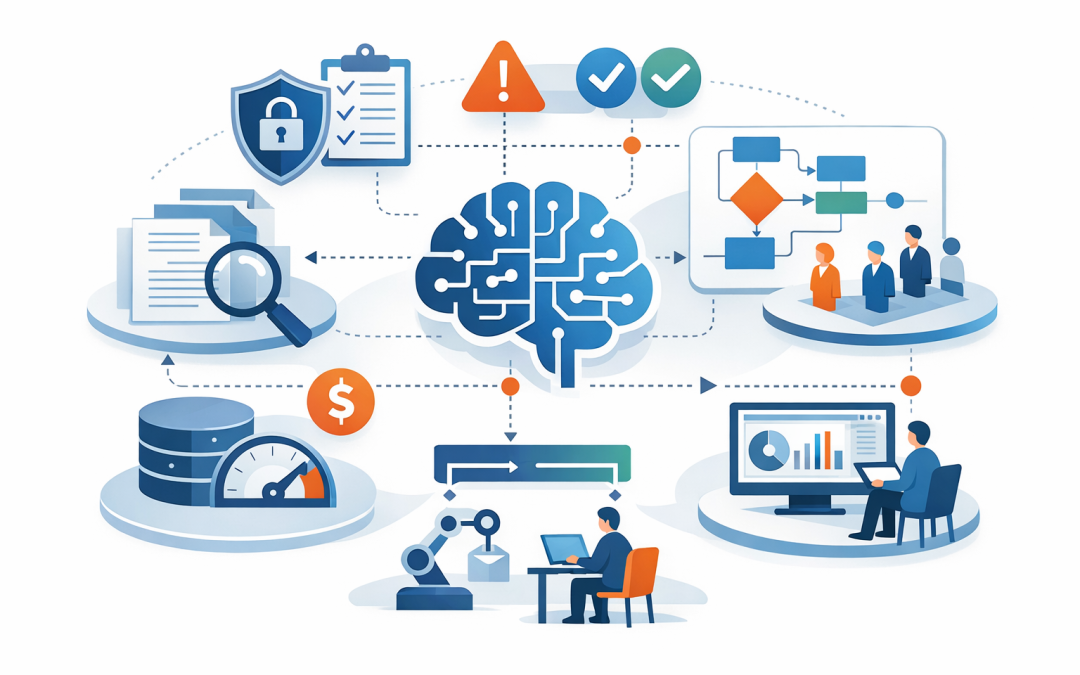
That is where production-ready AI architecture matters. In simple terms, it is the behind-the-scenes design that makes AI safe, reliable, secure, measurable, and worth rolling out across the business. It is not just the model, such as OpenAI or Claude. It is the full system around the model, including your data, user access, security controls, monitoring, approvals, fallback processes, and cost controls. Recent enterprise guidance treats AI workloads differently from normal software because they are non-deterministic, which means the same question can produce different answers, so testing and operations matter far more in production.
What production-ready AI architecture actually means
Think of AI like a very fast new employee. It can draft, summarise, search, and explain at impressive speed. But it does not automatically know your policies, your client commitments, your privacy obligations, or which documents it should never see.
A production-ready architecture gives that AI employee boundaries and supervision. It decides what information the AI can use, how it checks facts, how answers are reviewed, how activity is logged, and how the system keeps working when demand spikes or a model changes. Microsoft’s current enterprise AI reference patterns assume secure networking, high availability, grounding data, orchestration, and operational controls from day one, not as an afterthought.
The technology behind it in plain English
At a high level, most business AI solutions use a large language model. That is the engine that reads a question and generates a response in natural language. On its own, a model is smart in a general sense, but it does not know your latest policy documents, customer contracts, board papers, or internal procedures unless you connect it to those sources in the right way.
1. The model
The model is the part that writes the answer. This could be an OpenAI model, a Claude model from Anthropic, or another approved enterprise model. Choosing the model matters, but many leaders overestimate how much value comes from the model alone. In practice, the business result often depends more on the surrounding architecture than the model brand.
2. Grounding or RAG
You may hear the term RAG, which stands for retrieval-augmented generation. In plain English, that means the AI first searches approved company information, then uses that material to answer the question. This reduces made-up answers, often called hallucinations, and keeps responses tied to your actual business documents rather than the model’s general memory. Microsoft’s current RAG design guidance treats this as a core pattern for enterprise AI because the challenge is not just generating text, but generating useful text based on trusted data.
3. Orchestration
Orchestration is simply the logic that manages the steps. It decides whether the system should search documents, call another business system, ask for user confirmation, or route the task to a human. This becomes especially important as businesses move from simple chatbots to AI assistants and agents that take actions, not just answer questions.
4. Guardrails and security
Guardrails are the rules that stop AI from doing the wrong thing. That includes respecting existing document permissions, blocking unsafe prompts, filtering sensitive data, and preventing users from getting answers they should not see. The 2025 OWASP Top 10 for large language model applications puts prompt injection and sensitive information disclosure among the most important AI risks to plan for, which tells business leaders this is now an operational issue, not just a technical one.
5. Monitoring and evaluation
Production AI needs measurement. You need to know whether answers are relevant, whether they are based on approved sources, whether they stay within policy, and whether quality is improving or slipping over time. Current Azure monitoring guidance includes measures such as groundedness, relevance, coherence, and recurring alerts, which is a fancy way of saying you can track whether the AI is answering clearly, accurately, and safely.
Employee asks a question
↓
AI checks who the person is
↓
Searches approved company documents
↓
Sends only the right context to the model
↓
Applies safety rules and access permissions
↓
Returns an answer and logs what happened
Why business leaders should care
1. It protects sensitive data and reduces compliance risk
Many AI projects fail before they begin because staff use public tools in ways leadership cannot see. A salesperson pastes a tender document into a chatbot. An HR manager uploads a policy with employee details. A manager asks AI to summarise a customer complaint that includes personal information. Australian privacy guidance is clear that organisations should be very cautious about entering personal, and especially sensitive, information into publicly available generative AI tools.
If your business already takes the Essential 8 seriously, the Australian government’s cybersecurity framework that helps organisations reduce common cyber risks, the same thinking applies here. You want controlled access, multi-factor authentication, secure devices, logging, backups, and clear administrative boundaries around AI as well. If your Microsoft 365 and Intune environment, which manages and secures company devices, is already well set up, you can extend those controls into AI rather than starting from scratch.
2. It makes AI answers more reliable
Leaders do not need perfect AI. They need dependable AI. There is a big difference. A flashy assistant that is right 70 percent of the time can still damage trust, waste staff time, and create risk if people must keep checking its work.
Production-ready architecture improves reliability by grounding answers in approved business content, testing prompts before launch, and monitoring results after launch. That means fewer invented answers, fewer outdated references, and more confidence for staff who use the system every day.
3. It keeps costs under control
AI costs can get messy fast. Without architecture, every team buys separate tools, every query goes to an expensive model, and nobody knows which use cases are delivering real value. You can end up paying for enthusiasm instead of outcomes.
A better design uses the right model for the right task, tracks usage by department, caches repeat answers where appropriate, and sets clear limits. The result is simple but powerful: lower run costs, better visibility, and a stronger business case for further investment.
4. It helps you scale beyond one successful pilot
The first AI use case is usually the easy one. The real challenge comes when finance wants it, then operations wants it, then customer service wants it, and suddenly your business has five disconnected tools solving the same problem five different ways.
A production-ready architecture creates reusable foundations. One identity model. One security approach. One monitoring layer. One way to connect approved data. That makes it far easier to expand from a single assistant to multiple use cases without rebuilding everything each time. Recent Australian guidance for business AI adoption also pushes this same idea: start with governance, align to business goals, and manage risk early so adoption can scale with trust.
5. It gives you options as the market changes
AI is moving quickly. Models improve, pricing changes, and new features arrive constantly. If your whole solution is tightly tied to one model or one experimental tool, every vendor change becomes your problem.
A well-designed architecture keeps the model layer replaceable where practical. That matters if you want to compare OpenAI and Claude for different use cases, keep sensitive workloads in Azure, or introduce extra security controls through tools such as Microsoft Defender or Wiz without redoing the whole solution. For most mid-sized businesses, flexibility is not a technical luxury. It is a risk-management decision.
A real-world scenario
An anonymised example will sound familiar. A professional services business with about 180 staff had enthusiastic early AI adoption. Teams were using public tools to draft proposals, summarise meeting notes, and answer internal questions. Productivity looked better on the surface, but leadership had no visibility into what data was being shared, no consistency in answer quality, and no way to prove customer information was being handled correctly.
The fix was not a giant platform rebuild. It was a sensible production design. We helped them create an internal AI assistant on Azure and Microsoft 365, grounded on approved SharePoint content, with existing document permissions preserved, logging turned on, department-based usage reporting, and a human approval step for client-facing outputs. First-draft responses for repetitive bid questions dropped from around 90 minutes to about 25 minutes, while risk fell because staff no longer needed to improvise with public tools.
Signs your business is not ready for AI in production
- You do not have a clear rule on what staff can and cannot paste into AI tools.
- Your AI success depends on one person’s clever prompt rather than a repeatable process.
- You cannot measure answer quality or spot risky outputs quickly.
- You do not know who owns AI cost, security, or vendor decisions.
- Your AI tool can see documents without respecting existing permissions.
- You have no fallback if the model is unavailable or gives a poor answer.
The business case in one sentence
Production-ready AI architecture is what turns AI from an interesting demo into a dependable business capability. It helps you reduce risk, control spend, improve staff productivity, and scale with confidence instead of crossing your fingers.
For most organisations with 50 to 500 employees, this is the difference between AI creating real commercial value and AI becoming another unmanaged toolset. As a Melbourne-based Microsoft Partner and Wiz Security Integrator with more than 20 years of enterprise IT experience, CloudProInc usually sees the same pattern: the businesses that win with AI are not the ones chasing the loudest demo, but the ones building the right foundations first.
If you are exploring AI and are not sure whether your current setup is secure, scalable, or worth the investment, we are happy to take a look and give you practical advice with no strings attached.