
Multi-factor authentication has been the security baseline for years. Most Australian organisations treat it as the final checkpoint — if MFA is in place, accounts are protected. That assumption just got a serious challenge.
Microsoft Defender Security Research has exposed a widespread phishing campaign that bypasses MFA entirely. It abuses a legitimate feature built into Microsoft’s identity platform — the device code authentication flow — and pairs it with AI-generated lures and automated infrastructure to compromise organisational accounts at scale.
For Australian businesses relying on Microsoft 365, this is not a theoretical risk. It is an active campaign, and it works.
What Is Device Code Phishing?
Device code authentication is a legitimate OAuth 2.0 flow designed for devices with limited input capabilities — smart TVs, printers, IoT endpoints. A user receives a short code, enters it on a separate browser, and authentication completes on the original device.
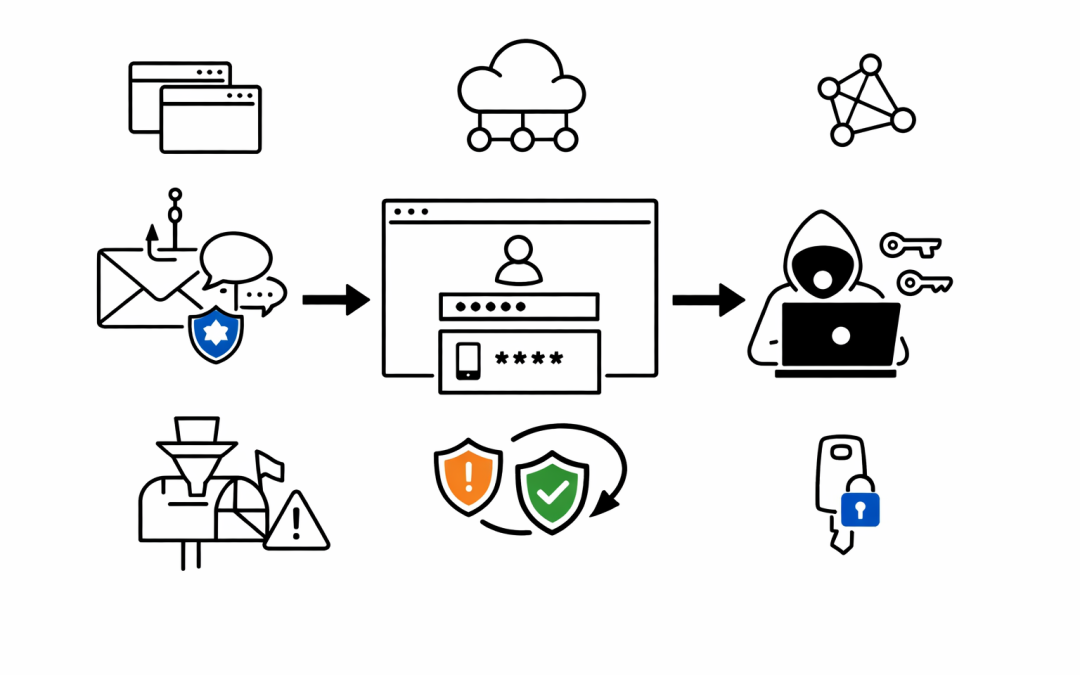
The problem is that this flow decouples the authentication from the originating session. When a threat actor initiates the flow and sends the code to a victim through a phishing email, the victim unknowingly authorises the attacker’s session. MFA completes normally — the user enters their password, approves the push notification — but the resulting tokens go straight to the attacker.
No credential theft. No password interception. MFA works exactly as designed, and the attacker still gets in.
Why This Campaign Is Different
Device code phishing is not new. Microsoft documented Storm-2372 running a similar campaign in February 2025. What makes this April 2026 campaign a significant escalation is the level of automation and AI involvement across the entire attack chain.
AI-Generated Lures
Threat actors are using generative AI to craft hyper-personalised phishing emails. These are not generic “your password is expiring” messages. The lures are tailored to the victim’s role — RFPs for procurement teams, invoices for finance, manufacturing-specific workflows for operations staff. The days of spotting phishing by poor grammar are over.
Dynamic Code Generation
Older device code attacks pre-generated codes and embedded them in emails. The 15-minute expiration window meant most codes expired before the victim even opened the message. This campaign solves that problem entirely. The code is generated the instant the victim clicks the link, giving the full 15 minutes from the moment of interaction.
Automated Infrastructure at Scale
The attackers are not running a single phishing server. They leverage platforms like Railway.com, Vercel, Cloudflare Workers, and AWS Lambda to spin up thousands of short-lived polling nodes. These are legitimate, high-reputation cloud services — the same ones many Australian organisations use in production. Traditional domain blocklists and reputation filters do not catch this traffic because it blends in with normal enterprise cloud usage.
Browser-in-the-Browser Deception
The final landing page uses a browser-in-the-browser technique — a simulated browser window rendered inside the web page. The victim sees what looks like a legitimate Microsoft login prompt, complete with the official microsoft.com/devicelogin URL. The device code is even automatically copied to the clipboard to reduce friction.
The Post-Compromise Playbook
What happens after the attacker obtains tokens is just as concerning. The campaign follows a structured post-compromise approach:
Targeted reconnaissance. Attackers use Microsoft Graph API to map the organisational structure, identifying users with financial authority, executive access, or administrative privileges.
Persona filtering. Not every compromised account gets the same treatment. The attackers filter for high-value targets — CFOs, finance managers, executives — before investing in deep-dive exfiltration.
Persistence through inbox rules. Malicious inbox rules are created to redirect or hide communications, giving the attacker ongoing visibility into sensitive email threads without the user noticing.
Device registration. In some cases, attackers registered new devices within 10 minutes of compromise, generating Primary Refresh Tokens for long-term persistent access.
What This Means for Australian Organisations
Australian mid-market organisations face a specific set of risks from this campaign.
Essential Eight compliance is not enough on its own. The Essential Eight maturity model recommends MFA, and rightly so. But device code phishing demonstrates that MFA alone does not close every authentication gap. Organisations reporting Essential Eight compliance need to assess whether they have addressed authentication flows that bypass traditional MFA protections.
Microsoft 365 tenants are the primary target. This campaign specifically targets the Microsoft identity platform. Any organisation running Microsoft 365, Azure AD (now Entra ID), or hybrid identity needs to evaluate its exposure to device code authentication abuse.
Cloud-native infrastructure is being weaponised. The use of Railway.com, Vercel, and Cloudflare Workers means traditional perimeter defences and domain reputation services will miss this traffic. Security teams cannot rely solely on URL filtering to catch these attacks.
Five Actions to Take Now
1. Block Device Code Flow Where It Is Not Needed
Microsoft recommends blocking the device code authentication flow using Conditional Access policies. Most organisations do not have legitimate use cases for this flow. If smart TVs and IoT logins are not part of the environment, disable it.
2. Deploy Phishing-Resistant Authentication
Move beyond push-notification MFA toward FIDO2 security keys or Microsoft Authenticator with passkeys. These methods are resistant to session hijack attacks because they are cryptographically bound to the originating device and URL.
3. Enable Safe Links and Anti-Phishing Policies
Microsoft Defender for Office 365 Safe Links can trigger high-confidence device code phishing alerts. Combined with anti-phishing policies that detect impersonation and spoofing, this provides a detection layer before the user ever reaches the phishing page.
4. Implement Sign-In Risk Policies
Conditional Access policies based on sign-in risk can automatically block or require re-authentication when anomalous authentication patterns are detected. This includes device code authentication from unusual IP ranges or unfamiliar locations.
5. Monitor for Post-Compromise Indicators
Security operations teams should hunt for the specific indicators Microsoft has published — suspicious inbox rule creation, anomalous MailItemsAccessed events via Graph API, and device registrations from unexpected sources. Microsoft Sentinel and Defender XDR both provide detection queries for these activities.
The Bigger Picture
This campaign is a preview of where phishing is heading. AI-generated content, dynamic infrastructure, and abuse of legitimate authentication protocols make traditional defences insufficient on their own.
Australian organisations need to treat identity security as a layered discipline — not a single checkbox. MFA remains essential, but it must be paired with Conditional Access policies, authentication flow restrictions, phishing-resistant credentials, and active threat hunting.
CPI Consulting helps Australian organisations assess and strengthen their Microsoft 365 security posture, including identity protection, Conditional Access design, and threat detection. If this campaign raises questions about your current configuration, our team can help you evaluate your exposure and close the gaps.