by CPI Staff | May 5, 2026 | Blog, Microsoft 365, Microsoft 365 Security
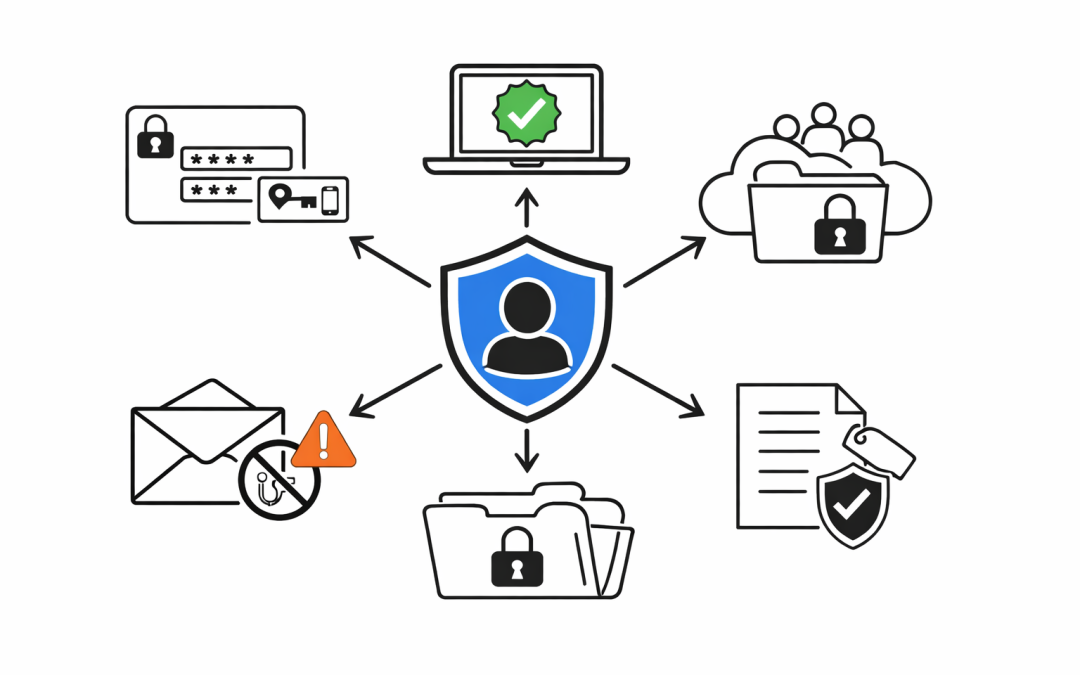
Most Microsoft 365 environments are deployed for productivity first and secured later, if at all. That is how many Australian businesses end up with the appearance of control without the substance of it. Email works. Teams works. Files sync. Staff can work from...
by CPI Staff | May 1, 2026 | Blog, Cloud Security, Cybersecurity, Entra ID, Essential 8, Microsoft 365, Microsoft 365 Security, Microsoft Intune, Microsoft Purview
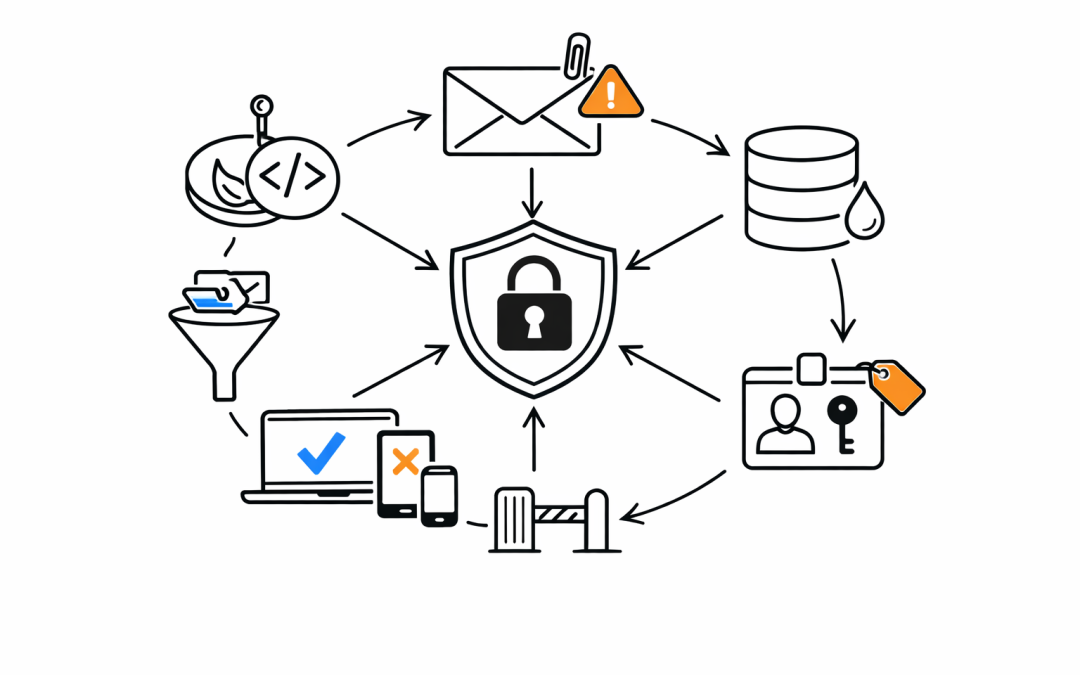
When a business enables Multi-Factor Authentication and calls it “done,” they’ve taken one important step — but left the door wide open in a dozen other places. MFA blocks a significant portion of credential-based attacks. Microsoft’s own data...
by CPI Staff | Apr 30, 2026 | Blog, Cybersecurity, Endpoint Security, Microsoft Intune
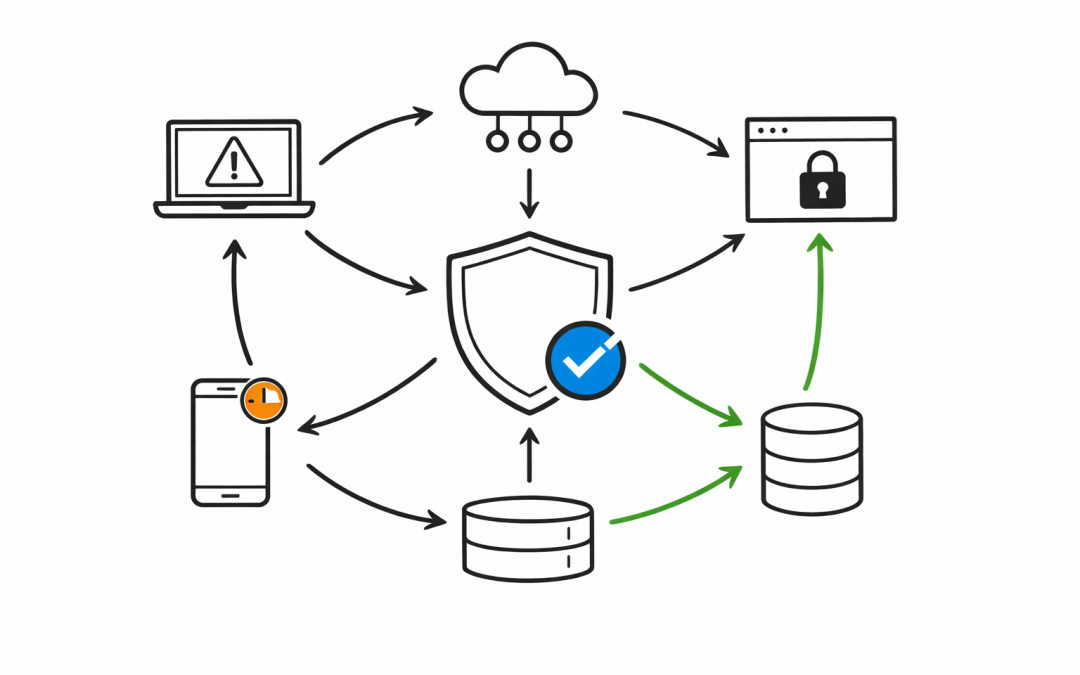
Most organisations assume that once their devices are enrolled in Microsoft Intune, those devices are secure. That assumption is wrong — and it’s costing them. There is a default configuration in Intune that silently marks every device without a compliance...
by CPI Staff | Apr 30, 2026 | Blog, Cloud Security, Cyber Security Strategy & Governance, Cybersecurity, Entra ID, Essential 8, Microsoft 365, Microsoft 365 Security, Microsoft Intune, Microsoft Purview
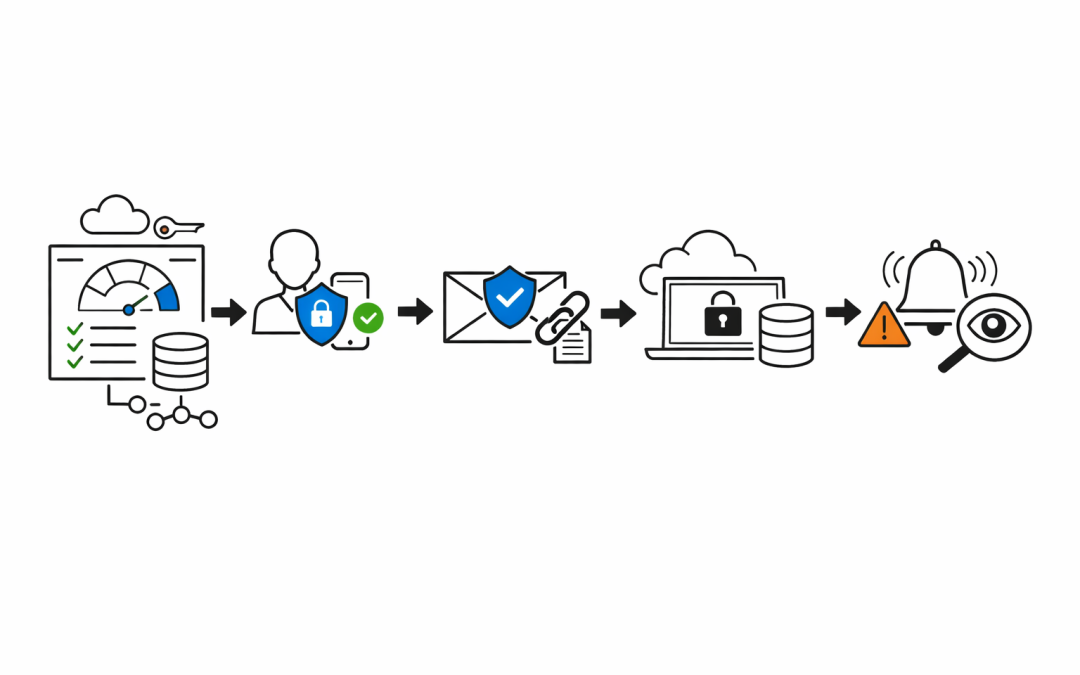
Small businesses are not small targets. Threat actors know that organisations with fewer than 50 staff rarely have a dedicated security team. They know Microsoft 365 is the backbone of most Australian SMBs — email, files, Teams, identity. And they know most of those...
by CPI Staff | Apr 30, 2026 | Blog, Cloud Security, Cybersecurity, Entra ID, Essential 8, Microsoft 365, Microsoft 365 Security
Every Microsoft 365 tenant tells a story. Emails flowing, Teams meetings running, SharePoint humming along. From the outside, everything looks operational. But operational is not the same as secure — and the gap between those two things is where breaches happen. When...