
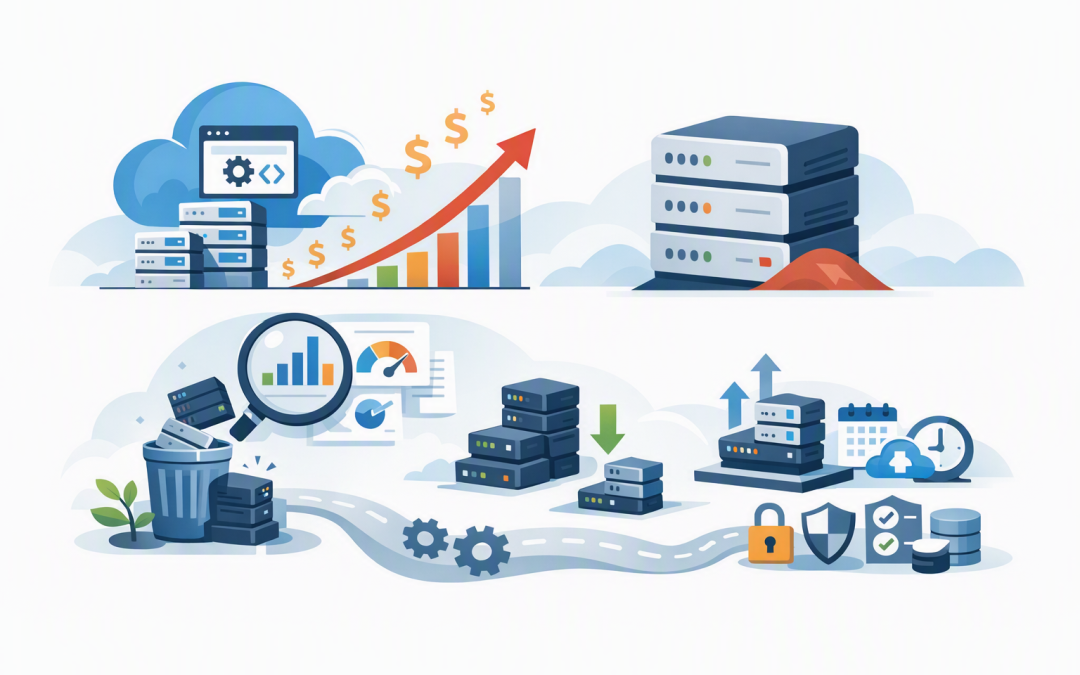
In this blog post How to Lower Azure App Service Costs Without Hurting Performance we will explain why application hosting bills often grow unnoticed and how to reduce them without disrupting users, weakening security or creating more work for your IT team.


The common problem is not that Azure App Service is inherently expensive. It is that businesses often pay for more processing capacity than their applications need, leave unused environments running and select pricing plans based on estimated demand rather than actual usage.
How Azure App Service pricing works
Azure App Service is Microsoft’s managed platform for hosting websites, business applications and application programming interfaces, or APIs. An API is simply a controlled way for different software systems to exchange information.
Microsoft manages the underlying servers, operating system maintenance and much of the hosting platform. Your business pays for an App Service plan, which provides the processing power, memory and features used by one or more applications.
This distinction matters because the plan usually drives the main hosting cost, not the number of people visiting the application. If a plan has three servers allocated to it, you generally pay for that capacity even when traffic is quiet.
Stopping an individual web application also does not necessarily stop the bill. If its paid App Service plan still exists, the reserved hosting capacity remains chargeable.
1. Find out what you are actually paying for
Start with a simple inventory of every App Service plan, the applications inside it, its pricing tier and the number of running instances. An instance is one unit of computing capacity serving your applications.
Then compare cost with actual demand. Review processor use, memory consumption, response times, request volumes and peak usage periods over at least 30 days. Seasonal businesses may need a longer review window.
Look for plans that remain mostly idle, plans with several permanently running instances and applications that receive little or no traffic. Empty App Service plans are particularly easy to miss because the application may have been deleted while the paid plan was left behind.
This plan-level review should sit alongside a broader analysis of why your Azure bill keeps growing. Databases, data transfer, monitoring and security services can all appear alongside App Service charges.
2. Right-size the plan rather than guessing
Many companies select a larger plan during a migration because nobody wants the new application to run slowly. The temporary safety margin then becomes a permanent monthly expense.
Right-sizing means matching the plan’s processing power, memory and instance count to measured demand. It may involve moving to a smaller plan, reducing the minimum number of instances or testing a newer plan that can handle the same workload with fewer resources.
Do not make this decision from average processor use alone. An application can appear quiet while suffering short periods of heavy demand, memory pressure or slow database calls.
Test changes during a controlled period and monitor user response times, errors and application health. Our guide to Azure right sizing explains how to reduce capacity without creating avoidable performance problems.
3. Consolidate compatible applications carefully
Multiple applications can share the computing resources of one App Service plan. This can reduce waste when several small internal applications each have their own mostly idle plan.
For example, a staff portal, reporting dashboard and low-volume supplier application may be able to share capacity. Instead of paying for three separate pools of computing resources, the business pays for one appropriately sized pool.
Consolidation is not suitable for every workload. Applications sharing a plan can compete for the same processor and memory, so a traffic spike in one application may affect the others.
Keep critical customer systems separate where performance, security or availability requirements differ. Applications may also need compatible operating systems, regions and deployment configurations before they can be moved together.
4. Scale capacity when demand changes
Many App Service plans are configured for the busiest hour of the busiest day, then left at that level all year. This protects performance, but it means the business pays peak rates during evenings, weekends and quiet seasons.
Autoscaling adjusts the number of instances in response to demand. Rules can be based on processing load, memory, request volumes or a schedule.
A business application might run with lower capacity overnight, add instances before employees arrive and scale back after business hours. A customer portal could add capacity during a marketing campaign and remove it once traffic returns to normal.
Set sensible minimum and maximum limits. Scaling too aggressively can create instability, while a high minimum may remove most of the financial benefit. Alerts should also be configured so the IT team knows when the application repeatedly reaches its upper limit.
5. Stop paying production prices for non-production systems
Development, testing and demonstration environments are common sources of App Service waste. They are often copied from production, given the same capacity and then used for only a few hours each week.
Use lower-cost plans where the feature and performance requirements allow it. Consolidate compatible test applications, remove abandoned environments and automate the creation and deletion of temporary resources.
Deployment slots can also reduce the need for separate hosting plans. A deployment slot is a staging copy of an application used to test a release before switching it into production. Slots share the capacity of their App Service plan, so they still consume resources and should not be treated as unlimited free environments.
6. Review the supporting services around the application
Sometimes the App Service plan is not the real reason the bill is rising. Application monitoring, stored diagnostic logs, network traffic, databases and backup policies can become significant separate charges.
Do not simply disable monitoring to save money. That can make outages harder to diagnose and may reduce the evidence available for security investigations.
Instead, remove duplicate logging, set appropriate retention periods and collect detailed information where it provides business value. Apply the same risk-based thinking to backups by reviewing our guide to lowering Azure backup and recovery costs.
7. Consider commitments only after removing waste
Businesses with stable App Service usage may be able to reduce costs through one-year or three-year commitments. Azure reservations are available for eligible Premium and Isolated plans, while savings plans may suit organisations with broader eligible computing usage.
Do not commit based on today’s oversized environment. First remove unused resources, consolidate where practical, configure scaling and establish a reliable baseline. Otherwise, the business may lock in a discount on capacity it never needed.
A practical App Service cost review
Consider an anonymised 200-person company running a customer portal, several internal applications and separate test environments. Its Azure bill had increased steadily, but application traffic had barely changed.
The review found two empty paid plans, three small applications on separate underused plans and test capacity matching production. Consolidating suitable applications, reducing non-production capacity and adding scheduled scaling lowered the hosting requirement without changing the customer experience.
The important outcome was not simply a smaller bill. The company also gained clearer ownership, meaningful budget alerts and a repeatable process for checking new applications before costs became permanent.
What your team should do next
- List every App Service plan and the applications using it.
- Review at least 30 days of performance and cost data.
- Identify empty, idle and oversized plans.
- Consolidate low-demand applications where risk permits.
- Configure scaling around real traffic patterns.
- Reduce or remove unnecessary test environments.
- Review monitoring, network and database costs.
- Consider reservations only after usage is stable.
Cost reduction should never come at the expense of security. Access controls, patching, monitoring and recovery should continue to support Essential 8, the Australian Government’s cybersecurity framework that many organisations use to reduce common security risks. Our overview of Azure App Service security covers these protections in more detail.
CloudProInc brings more than 20 years of enterprise IT experience to practical Azure reviews. As a Melbourne-based Microsoft Partner and Wiz Security Integrator, we help organisations across Australia and internationally reduce cloud waste while protecting performance, security and compliance.
If you are not sure whether your App Service setup is costing more than it should, we are happy to take a look and identify the practical opportunities—no strings attached.
Discover more from CPI Consulting
Subscribe to get the latest posts sent to your email.