
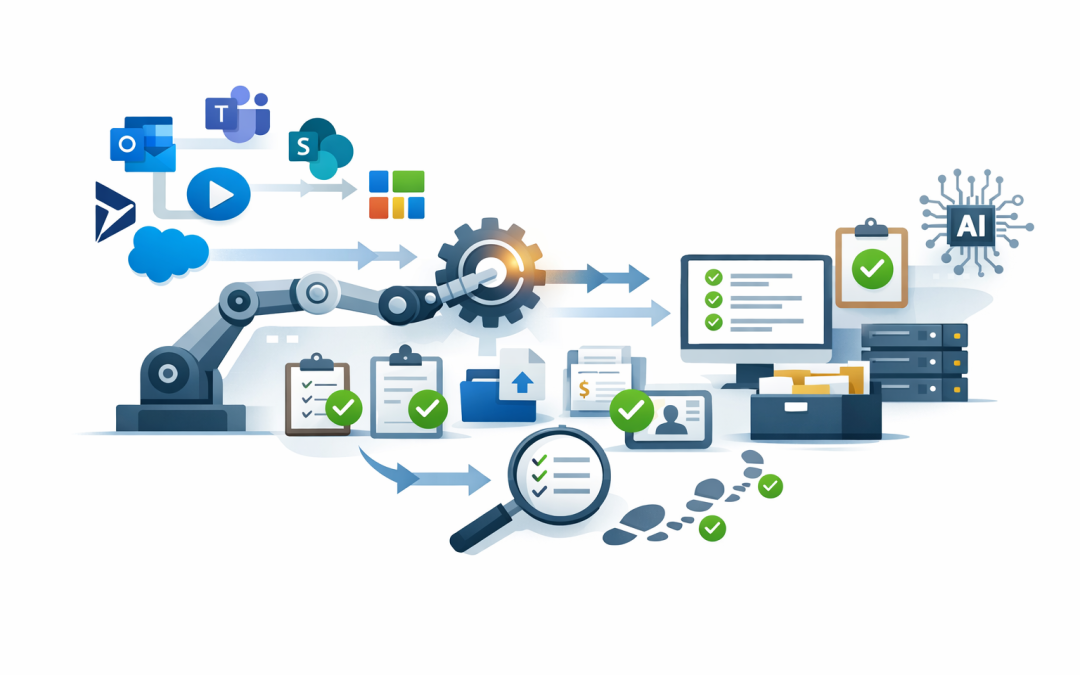
In this blog post How Power Automate Removes Manual Admin Work From Your Business we will look at how Microsoft Power Automate can take repetitive admin tasks off your team’s plate, reduce errors, and give leaders better control over business processes.
If your staff are copying data between spreadsheets, chasing approvals by email, manually saving attachments, or updating the same customer details in three different systems, you are probably paying for work that software can already handle.
The problem is not that your people are slow. The problem is that many businesses have grown around manual workarounds. A process starts in Outlook, moves to Excel, gets discussed in Teams, then ends up in SharePoint, Xero, MYOB, Dynamics, Salesforce, or another system someone has to update by hand.
What Power Automate does in plain English
Power Automate is Microsoft’s workflow automation tool. In simple terms, it watches for something to happen, then performs the next steps automatically.
For example, when a staff member submits a leave request, Power Automate can send it to their manager, record the approval, notify payroll, update a SharePoint list, and send the employee a confirmation. No one has to forward emails, rename files, or remember who needs to be told.
The technology behind it is built around three simple ideas: triggers, actions, and connectors. A trigger is the event that starts the process, such as a new form submission or an email arriving. An action is what happens next, such as creating a task or sending an approval. A connector is the bridge between systems, such as Microsoft 365, Teams, SharePoint, Outlook, Dynamics, Salesforce, ServiceNow, or a finance platform.
For non-technical teams, the main benefit is that Power Automate sits inside tools many businesses already use. If your organisation runs Microsoft 365, you may already have the foundation in place.
Why manual admin costs more than most leaders realise
Manual admin rarely appears as a single line item in the budget. It hides inside payroll, missed deadlines, duplicated work, customer delays, and compliance gaps.
A manager spending ten minutes approving invoices does not sound like much. But multiply that by 30 invoices a week, across five managers, and you have hours of senior staff time spent on low-value coordination.
There is also the risk factor. When people are tired or busy, they misread emails, attach the wrong file, forget to update a register, or approve something without the right checks. That creates avoidable business risk.
Where Power Automate delivers quick wins
1. Approvals stop getting lost in email
Approval processes are one of the easiest places to start. Purchase requests, leave forms, contract reviews, expense claims, onboarding approvals, and access requests all follow repeatable steps.
Power Automate can route each request to the right person, set reminders, record the decision, and keep an audit trail. An audit trail is simply a record of who approved what and when, which is useful for internal governance, finance reviews, and compliance.
The business outcome is faster decisions and fewer bottlenecks. Leaders can see what is waiting, who owns it, and where work is stuck.
2. Documents are filed consistently
Many businesses rely on staff to save documents in the right folder, with the right name, using the right version. That works until someone is rushed, away, or new to the business.
Power Automate can save email attachments into SharePoint, rename files using a standard format, notify the right team, and apply basic labels. SharePoint is Microsoft’s document storage and collaboration platform, often used as the modern replacement for shared drives.
The business outcome is less time wasted searching for documents and fewer mistakes caused by people using old versions.
3. Staff onboarding becomes repeatable
Onboarding is a classic example of a process that touches many teams. HR needs forms completed. IT needs to create accounts. Managers need equipment ordered. Finance may need payroll details. Security needs access to be appropriate.
Power Automate can turn onboarding into a controlled workflow. Once HR submits a new starter form, tasks can be created automatically for IT, payroll, facilities, and the hiring manager.
This is especially useful when paired with Microsoft Intune, which manages and secures company devices, and Microsoft 365, which provides email, Teams, file storage, and productivity tools. The business outcome is a smoother first day for employees and less pressure on IT.
4. Data entry between systems can be reduced
If your staff are copying the same information from one system to another, that is usually a sign of automation potential.
Power Automate can move data between approved systems when a defined event happens. For example, a new sales form could create a Teams notification, update a customer list, open a follow-up task, and alert finance if billing information is missing.
The business outcome is fewer errors, faster handovers, and better visibility across teams.
5. Repetitive desktop work can be automated too
Not every business system has a modern connection point. Some older applications still require someone to click buttons, download reports, or enter information into screens.
Power Automate Desktop can help with this. It uses robotic process automation, often called RPA, which means software follows a set of steps on a computer the same way a person would. In plain English, it can open an application, click through screens, copy information, and complete repetitive tasks.
This is not the first place we usually recommend starting, because desktop automation can break if screens change. But for stable, repetitive work in older systems, it can save significant time.
A real-world scenario
Consider a 180-person professional services business with offices in Melbourne and Sydney. Every month, the finance team receives supplier invoices by email. Staff manually save attachments, rename files, check purchase order details, forward invoices to managers, chase approvals, and update a spreadsheet.
Nothing about the process is complex, but it consumes hours every week. Worse, approvals sometimes sit in inboxes for days, which delays payment and frustrates suppliers.
A Power Automate workflow could monitor the invoice mailbox, save each attachment into the right SharePoint folder, create an approval request in Teams, remind managers after two days, and update a central register when the invoice is approved or rejected.
For the business, the value is not just time saved. It is fewer missed invoices, better supplier relationships, clearer reporting, and a process finance can trust.
How Power Automate fits with AI automation
Power Automate is often the practical starting point before more advanced AI automation. It gives your business clean, repeatable workflows that AI tools can safely build on later.
For example, a workflow can collect a customer request, check whether required information is included, send it for approval, and create a task for the right team. AI can then help summarise the request, classify urgency, draft a response, or extract key details from a document.
This is where Power Automate connects naturally with Microsoft Copilot, Azure OpenAI, and other AI platforms such as Anthropic Claude. But the important point is control. AI should assist the process, not quietly make risky decisions without oversight.
We covered this broader idea in how Azure AI agents automate repetitive business processes safely. Power Automate is one of the practical tools that helps make those ideas real inside everyday business systems.
What most businesses get wrong
They automate messy processes too quickly
If a process is confusing today, automation can make the confusion faster. Before building anything, it is worth mapping the steps and asking what can be removed.
The best automation projects usually start with a simple question: why does this step exist?
They let everyone build without guardrails
Power Automate is designed to be accessible, which is good. But if every department builds flows without standards, you can end up with hidden dependencies, poor documentation, and security risks.
This is where governance matters. Governance means having sensible rules for who can build automations, which systems they can connect to, how approvals work, and how important workflows are monitored.
They forget security and compliance
In Australia, many organisations are now expected to align with Essential 8, the Australian government’s cybersecurity framework for reducing common cyber risks. Automation can support better compliance, but only if it is designed properly.
For example, a workflow that grants access to a system should include approval, logging, and role-based permissions. Role-based permissions mean people only get the access they need for their job.
CloudPro Inc often looks at automation through this security lens because we work across Microsoft Defender, Intune, Azure, and Wiz. Wiz is a cloud security platform that helps identify risk across cloud environments. Defender is Microsoft’s security suite for protecting users, devices, email, and cloud services.
Practical steps to get started
You do not need a six-month program to find value. Start small and pick one process that is annoying, frequent, and measurable.
- List repetitive admin tasks. Ask each department what they do every week that feels like copy, paste, chase, rename, or rekey.
- Choose one high-volume workflow. Good candidates include approvals, onboarding, invoice handling, service requests, and reporting reminders.
- Measure the baseline. How many times does the task happen each month? How long does it take? How often does it go wrong?
- Design the process before building. Remove unnecessary steps and decide who owns the outcome.
- Add security controls. Decide who can trigger the workflow, who can approve, where data is stored, and how exceptions are handled.
- Test with real users. The people doing the work will quickly spot gaps that leaders and IT teams miss.
- Document and monitor it. Important automations should not depend on one person’s knowledge.
When Power Automate is not enough
Power Automate is excellent for structured workflows, approvals, notifications, and moving information between systems. But it is not always the whole answer.
If the process requires complex decision-making, large-scale data processing, or advanced AI reasoning, you may need Azure services, Copilot Studio, Azure Automation, or a custom integration. Azure is Microsoft’s cloud platform for hosting applications, data, security tools, and automation services.
For highly technical automation, secure authentication also matters. Authentication is how systems prove they are allowed to talk to each other. We explain one secure approach in Use Azure Managed Identity with Azure Automation PowerShell, which is more relevant for IT teams building advanced automation.
The bigger business outcome
The goal of Power Automate is not to replace people. It is to stop skilled people from wasting time on work that does not need judgement, creativity, or customer care.
For a 50 to 500-person business, the gains can be very practical: fewer admin hours, faster approvals, cleaner records, stronger compliance, and less frustration for staff.
The best results come when automation is treated as a business improvement project, not just an IT experiment. That means understanding the process, measuring the cost, securing the workflow, and improving it over time.
How CloudPro Inc can help
CloudPro Inc is a Melbourne-based Microsoft Partner and Wiz Security Integrator with more than 20 years of enterprise IT experience. We work hands-on across Microsoft 365, Azure, Intune, Windows 365, Defender, Wiz, OpenAI, and Claude to help businesses automate safely and practically.
If you are not sure where manual admin is costing your business the most, we are happy to help you identify a few sensible starting points. No pressure, no giant project plan on day one, just a practical look at where Power Automate could save time, reduce risk, and make work easier for your team.
Discover more from CPI Consulting
Subscribe to get the latest posts sent to your email.