
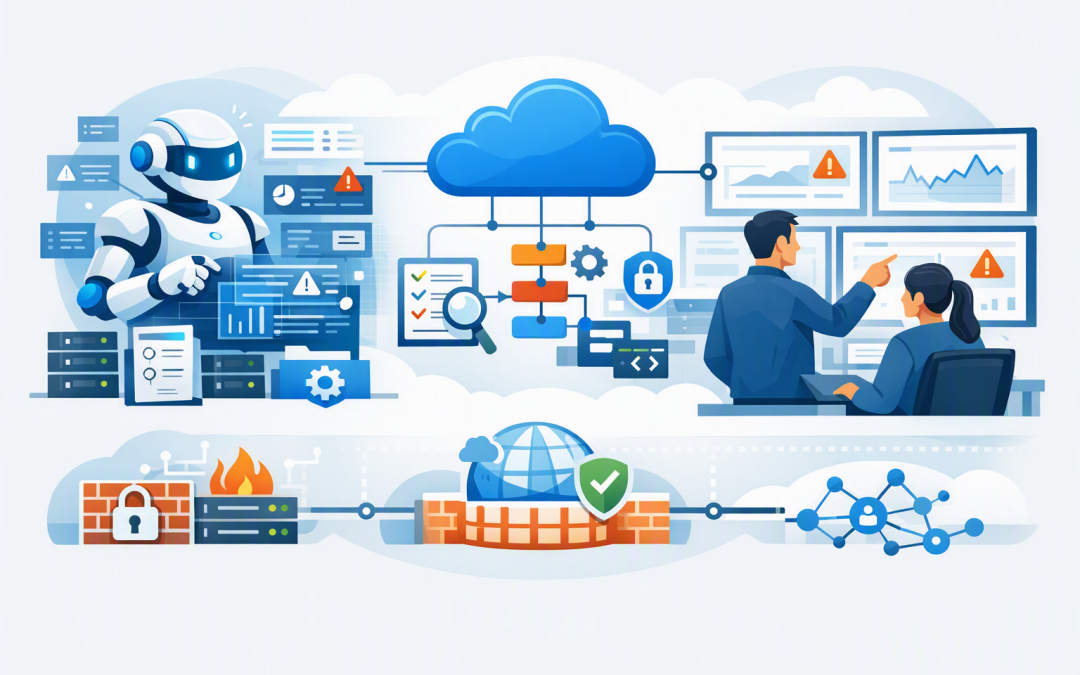
In this blog post Azure SRE Agent for Secure Mid-Market Operations in Australia we will explain how organisations can reduce incident response time with AI while keeping network access, permissions and production changes under control.
Free eBook: Microsoft Agent 365
The Control Plane for AI Agents
AI agents are rapidly becoming part of everyday work. But as agents scale across teams, platforms, and vendors, organizations need visibility, governance, and security to manage them safely at enterprise scale.
Discover how Microsoft Agent 365 helps organizations observe, govern, and secure AI agents with the same confidence and control used to manage users.
Download the Free eBookIf your IT team spends the first hour of every incident searching dashboards, checking recent changes and asking who knows the affected system, the problem is not necessarily a lack of skill. It is usually that operational knowledge is scattered across too many tools and people.
Azure SRE Agent is designed to bring that information together. SRE stands for site reliability engineering, which is the practice of keeping business systems available, stable and performing as expected. The agent uses AI to investigate Azure problems, review logs and monitoring data, suggest likely causes and, when permitted, take corrective action.
What Azure SRE Agent actually does
Azure SRE Agent acts like an AI-assisted operations team member. It can connect to Azure resources, monitoring platforms, incident systems, approved runbooks and source code repositories to build a clearer picture of what is happening.
For example, when an application slows down, the agent could review Azure Monitor and Application Insights, which collect system health and performance data. It may identify when the issue started, compare that timing with a recent software release and recommend a safe response.
The technology behind this is a large language model similar to those used by OpenAI and Anthropic Claude. However, it is combined with Azure-specific tools, your operational information, a controlled identity and an isolated execution environment. This allows it to do more than produce a generic chatbot answer.
It does not replace monitoring tools, experienced engineers or change management. Its value is reducing the manual work required to gather evidence, test likely causes and prepare a response.
This builds on the broader principles covered in our guide to designing secure AI agent infrastructure on Azure. An operations agent should be treated as an application identity with controlled access, not as an all-powerful assistant.
The network concern is valid
Many CIOs immediately ask whether an AI agent will create a new path around their firewall. That is the right question, especially if production databases, private monitoring services and internal applications are not exposed to the public internet.
Azure SRE Agent supports three main outbound network modes. Outbound traffic means connections the agent makes when it needs to query a service, repository or operational tool.
- Unrestricted allows broad outbound access and is the default option. It may be useful for an isolated evaluation, but it will not suit many production environments.
- Limited blocks outbound access except for approved hostnames. This provides a practical middle ground when the agent only needs a small set of external services.
- Azure Virtual Network routes outbound traffic through your Azure network, where existing firewalls, routing rules and security monitoring can be applied.
A Virtual Network is your private network inside Azure. Connecting the agent to it does not mean the entire managed service becomes a server inside your network. It means the agent’s outbound connections can follow a controlled route through infrastructure you manage.
For a deeper explanation of this pattern, see how Azure Virtual Network integration secures hosted AI agents.
Three controls matter more than the AI model
1. Start with the smallest possible access scope
Azure SRE Agent receives a managed identity, which is a secure Azure identity for an application rather than a person. This allows it to access approved resources without storing usernames, passwords or long-lived access keys.
Start with read-only access to a small number of non-critical resource groups. A resource group is simply a container used to organise related Azure systems. The agent can then review configurations, logs and performance information without changing production resources.
A common mistake is granting access across an entire subscription because it is quicker. That may save an hour during setup but create unnecessary security and audit risk later.
2. Keep human approval around production changes
Azure SRE Agent supports review and autonomous operating modes. Review mode allows the agent to investigate and propose a response, but an authorised person must approve controlled infrastructure actions.
Autonomous mode can act without waiting for approval within its configured boundaries. That can be valuable for low-risk, repeatable tasks, but it should not be the starting point for a production rollout.
A sensible first use is allowing the agent to gather evidence, prepare an incident summary and recommend a mitigation. Your operations lead can then confirm the action. This keeps decision-makers in control while removing much of the repetitive investigation work.
Our article on Azure AI agent architecture that keeps CIOs safely in control explains how approval gates and controlled actions reduce business risk.
3. Plan private DNS and firewall rules before deployment
For Virtual Network mode, Azure SRE Agent requires a dedicated subnet of at least /27 in size. A subnet is a reserved section of your Azure network. It must also be delegated to the Azure service so the platform can connect the agent correctly.
Private DNS is equally important. DNS translates service names into network addresses. If the agent needs to reach private endpoints for services such as Log Analytics or Key Vault, the relevant private DNS zones must be linked to the network.
Without the correct DNS setup, a connection may fail or attempt to use a public endpoint. That is why network testing should be part of the design, not something left until the agent is already investigating a live incident.
Some external connections, including code repositories and package registries, can use separately controlled managed paths. Only enable the categories the agent genuinely needs. Corporate proxies must also permit the required Azure SRE Agent domains and real-time WebSocket connections used by its interface.
A practical rollout for a mid-market organisation
- Choose one workload. Select a well-monitored application with known support procedures. Avoid beginning with your most sensitive customer or financial system.
- Deploy in the right region. Azure SRE Agent is available in Australia East, which may help organisations with Australian data location requirements. Confirm privacy, contractual and regulatory obligations before deployment.
- Connect only essential information. Start with Azure Monitor, Application Insights and approved operational documents. Do not connect every repository and subscription on day one.
- Use read-only permissions and review mode. Let the agent investigate and recommend before allowing it to change anything.
- Measure business outcomes. Track investigation time, incident duration, repeated support effort, agent costs and the accuracy of its recommendations.
What the business case might look like
Consider an Australian company with 180 employees and a four-person internal IT team. A customer-facing application experiences four significant incidents each month, and two engineers spend an average of 90 minutes gathering evidence before corrective work begins.
If AI-assisted investigation removes 45 minutes from that initial work, the business recovers around six engineering hours each month. More importantly, customer impact is reduced because the team reaches the corrective stage sooner.
The larger gain comes from consistency. The agent can follow the same evidence-gathering process at 2 am that it follows during business hours, reducing reliance on one senior employee who holds most of the operational knowledge.
How this supports Australian security expectations
Azure SRE Agent does not make an organisation compliant with the Essential Eight, the Australian government’s baseline cybersecurity framework. However, a controlled deployment can support the same security principles, particularly restricting administrative privileges and maintaining accountable approval processes.
Use separate identities, grant only the permissions required, record actions and review privileged access regularly. Autonomous actions should be treated like any other privileged automation and included in your security reviews, incident procedures and change controls.
Start with control rather than autonomy
The best first goal is not a fully autonomous operations team. It is faster, more consistent investigation with fewer hours lost to searching logs, switching tools and reconstructing previous incidents.
CloudProInc combines more than 20 years of enterprise IT experience with hands-on Azure, Microsoft Defender and Wiz security expertise. As a Melbourne-based Microsoft Partner and Wiz Security Integrator, we help organisations design practical AI operations environments without weakening the controls they already depend on.
If you are considering Azure SRE Agent but are unsure how it should connect to your network or what permissions it should receive, we are happy to review the proposed setup and identify the risks before it reaches production — no strings attached.
Discover more from CPI Consulting
Subscribe to get the latest posts sent to your email.