
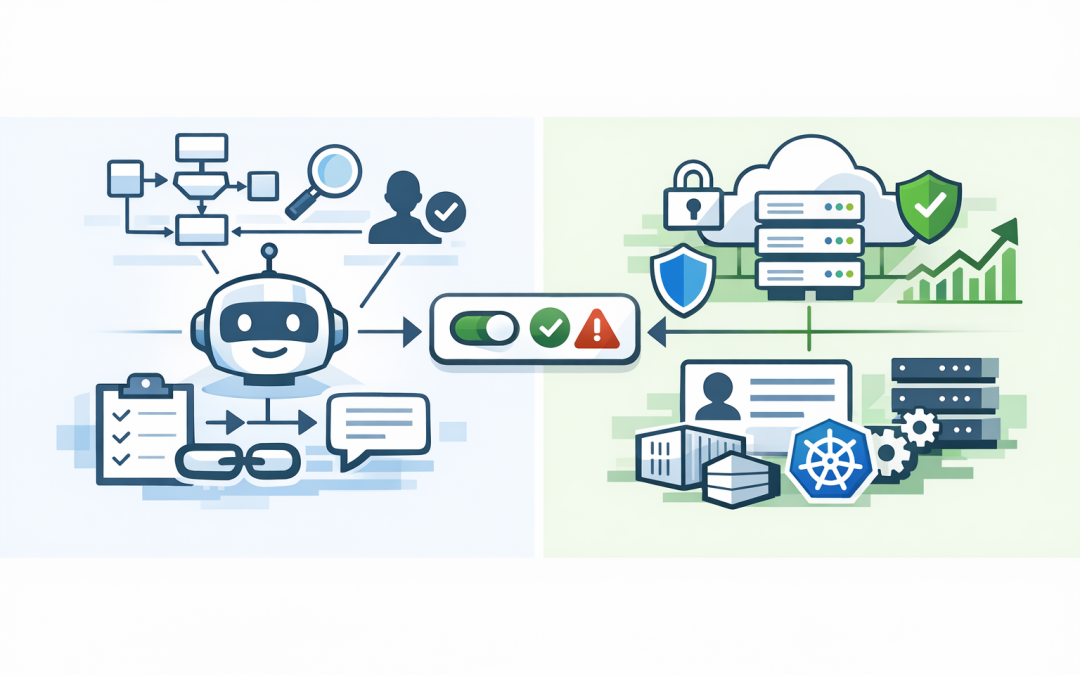
In this blog post How to Deploy LangGraph Agents to Microsoft Foundry Safely at Scale we will explain how to move an agent from a promising prototype into a controlled business service without creating a new security, cost or support problem.


This is where many AI projects become difficult. The agent works on a developer’s laptop, but nobody is quite sure how it should authenticate, access company data, retain conversations, handle failures or support hundreds of employees.
Microsoft Foundry provides a managed environment for running these agents. LangGraph provides the workflow logic, while Foundry can provide the hosting, identity, scaling, session handling and monitoring needed to operate that logic in production.
What LangGraph and Microsoft Foundry actually do
LangGraph is a framework for building AI workflows as a series of connected steps. Instead of giving a model one prompt and hoping for the best, you can define what happens next, what information is retained and when a human must approve an action.
For example, a service desk agent could identify an employee’s problem, search approved support documents, check device information and prepare a recommended fix. If the proposed action changes a device or user account, the workflow can pause for approval.
Microsoft Foundry is the platform around that workflow. A Foundry hosted agent runs your code in Microsoft-managed infrastructure and exposes it through a controlled endpoint, which is the address applications use to communicate with the agent.
The same approach is not limited to LangGraph. Foundry can host agents built with Microsoft Agent Framework, the OpenAI Agents SDK, the Anthropic Agent SDK and custom Python code, provided the agent is packaged with the appropriate hosting interface.
If you are starting with Microsoft’s own framework, our guide to building Microsoft Foundry agents with Microsoft Agent Framework covers that path in more detail.
The real deployment decision is about control
The framework choice matters, but it is rarely the biggest business decision. The more important question is whether your organisation can control what the agent sees, what it can do and how much it can spend.
A production deployment should answer five questions before employees are given access:
- Which business systems can the agent reach?
- Which identity does it use when accessing those systems?
- Which actions require human approval?
- How are failures, unusual behaviour and costs monitored?
- Who owns the agent after the original developer moves on?
If those answers are unclear, the agent is not production-ready, regardless of how impressive the demonstration looks.
Choose the right hosting pattern
There are two common ways to connect a framework-based agent to Foundry.
Run it as a Foundry hosted agent
This is usually the cleaner option when you want Foundry to manage the runtime, agent identity, endpoint, scaling and operational lifecycle. You can deploy source code for supported scenarios or use a container, which is a portable package containing the code and everything required to run it.
Containers provide more control over dependencies and runtime behaviour. Source deployment can reduce setup work for simpler Python or .NET agents. The correct choice depends on how customised the agent is and how tightly your organisation controls software releases.
For a deeper explanation of the container path, see deploying containerised hosted agents with Microsoft Foundry safely.
Keep the agent externally hosted
You may already run LangGraph in Azure App Service, Azure Kubernetes Service or another approved platform. In that case, the agent can remain there while using Foundry models and services through secured application interfaces.
This can make sense when the agent is part of a larger application or needs infrastructure controls that are already established. However, your team remains responsible for scaling, patching, availability, network security and much of the monitoring.
Use a standard communication protocol
A hosting adapter connects your framework to Foundry. In plain English, it translates requests from Foundry into a form your LangGraph workflow understands, then converts the result back into a standard response.
The Responses protocol is generally suitable for conversational agents that need streaming, conversation history and familiar application integration. The Invocations protocol is useful when the agent accepts a custom data structure, processes a business event or behaves more like an automated service than a chatbot.
A simplified LangGraph hosting pattern can look like this:
pip install "langchain-azure-ai[hosting]" langgraph azure-identityimport os
from azure.identity import DefaultAzureCredential
from langchain.agents import create_agent
from langchain_azure_ai.chat_models import AzureAIOpenAIApiChatModel
from langchain_azure_ai.agents.hosting import ResponsesHostServer
model = AzureAIOpenAIApiChatModel(
project_endpoint=os.environ["FOUNDRY_PROJECT_ENDPOINT"],
credential=DefaultAzureCredential(),
model=os.environ["FOUNDRY_MODEL_NAME"]
)
graph = create_agent(
model=model,
tools=[],
system_prompt="Assist employees using approved company information."
)
ResponsesHostServer(graph).run()This example is intentionally small. A real deployment also needs approved tools, structured logging, error handling, automated tests, package version controls and clear limits around the agent’s actions.
Do not turn the agent into a shared administrator
One of the biggest deployment mistakes is giving the agent a powerful shared account because it is convenient during testing. If the agent is compromised or makes a poor decision, that account may provide broad access to company systems.
Use Microsoft Entra ID, Microsoft’s cloud identity service, and role-based access control so the agent receives only the permissions it genuinely needs. An invoice assistant may need to read selected finance records, but it should not automatically receive permission to modify suppliers or approve payments.
High-impact actions should require human approval. This is particularly important for financial changes, account administration, deleting records, sending external communications and handling sensitive personal information.
These controls also support the Essential 8, the Australian Government’s cybersecurity framework for reducing common security risks. Agent deployments should sit inside the same approach to restricted administrative access, multi-factor authentication, patching, application control and incident recovery as the rest of your environment.
Plan for cost and behaviour changes
An agent can make several model calls and tool requests to complete one employee task. A workflow that appears inexpensive during a ten-user pilot may behave very differently when 300 employees begin using it every day.
Set limits on conversation length, repeated attempts, tool calls and workflow loops. Track cost by agent, department and use case rather than relying only on the total Azure bill.
You should also test new versions against a fixed set of realistic business scenarios. Traditional software tests confirm whether code runs. Agent evaluations must also check whether answers remain accurate, actions are appropriate and sensitive information is handled correctly.
A practical production scenario
Consider a 180-person professional services company building a LangGraph agent to help staff find project information and prepare client updates. The prototype can search documents and draft an email within seconds.
Deploying it without controls could expose documents across unrelated clients or allow an inaccurate draft to be sent externally. A safer design separates document access by user identity, records which sources were used and requires approval before any message leaves the organisation.
The result is still useful. Staff spend less time searching and drafting, while the business reduces privacy, contractual and reputational risk.
If the agent must work across a CRM, service desk, SharePoint or finance platform, our guide to connecting Microsoft Foundry agents to business systems explains the integration controls to consider.
A deployment checklist for technology leaders
- Define one measurable business outcome for the agent.
- Document the data, tools and systems it can access.
- Select hosted source code, a container or external hosting.
- Use agent-specific identity and minimum required permissions.
- Add human approval before high-impact actions.
- Test locally using the same protocol used in production.
- Deploy separate development, test and production versions.
- Monitor quality, failures, response time and model spending.
- Maintain an emergency process for disabling the agent.
Move quickly without creating unmanaged AI
LangGraph and other frameworks give development teams freedom to build sophisticated agents. Microsoft Foundry can provide the controlled operating environment needed to turn that work into a dependable business service.
The goal is not simply to get the agent online. It is to make it secure, supportable and financially predictable.
CloudPro Inc brings more than 20 years of enterprise IT experience to this work. As a Melbourne-based Microsoft Partner and Wiz Security Integrator, we help organisations connect AI delivery with practical Azure, identity and cybersecurity controls rather than treating the agent as an isolated experiment.
If you have a LangGraph or framework-based agent that works in testing but you are unsure how to deploy it safely, we are happy to review the architecture and identify the gaps — no strings attached.
Discover more from CPI Consulting
Subscribe to get the latest posts sent to your email.