
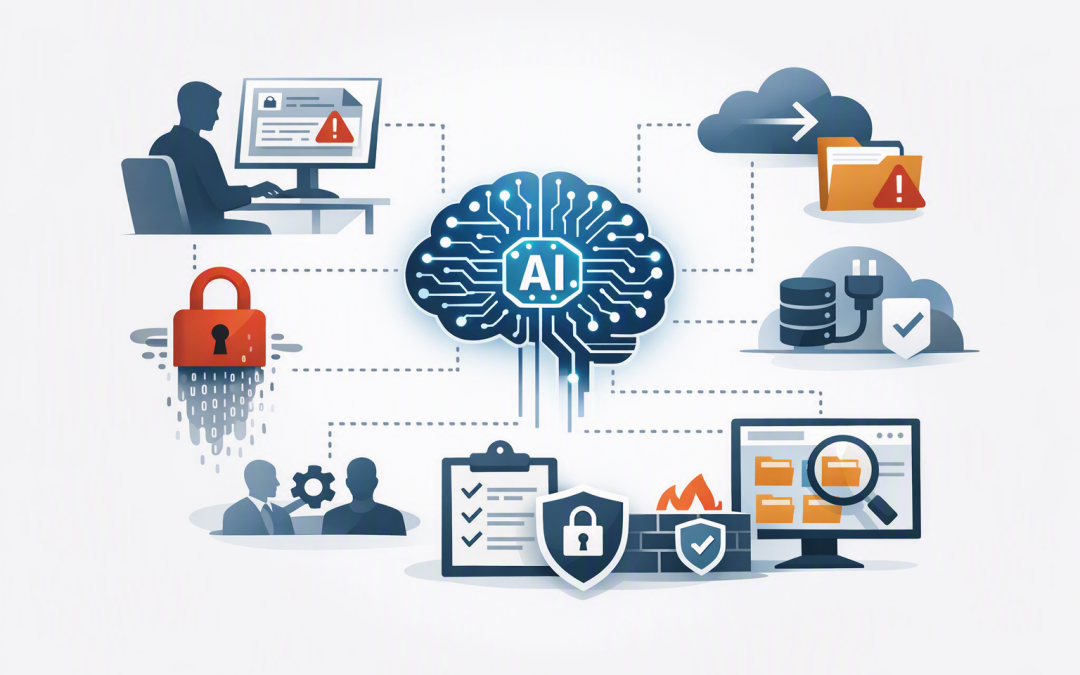
In this blog post How to Stop Sensitive Business Data Leaking Through AI Systems we will explain where AI data leaks happen, why normal security controls may miss them, and the practical steps that reduce risk without stopping employees from using AI.


The problem often begins innocently. An employee pastes a customer complaint into an AI assistant, uploads a contract for summarising, or asks an AI agent to search company files. Within seconds, personal information, pricing, intellectual property or confidential legal advice may have moved into a system the business has never properly assessed.
Preventing this does not mean banning AI. It means controlling which AI systems employees use, what information those systems can access, and what happens to the data after a prompt is submitted.
How business data moves through an AI system
Generative AI tools such as ChatGPT, Claude and Microsoft Copilot use large language models. In plain English, these models analyse the instructions and information supplied to them, identify patterns, and generate a likely useful response.
The model is only one part of the system. Data can also pass through the AI application, stored conversation histories, browser sessions, connected cloud services, plug-ins, monitoring logs and external business systems.
An AI agent creates another layer of risk because it can take actions and retrieve information from systems such as Microsoft 365, customer databases or document libraries. Our guide to controlling the security risks of AI agents explains why their permissions require particular attention.
Not used for training does not mean no risk
Major business AI services provide stronger data protections than their consumer equivalents. OpenAI and Anthropic state that information submitted through their commercial products is not used to train their models by default, while Microsoft says Microsoft 365 Copilot prompts, responses and accessed business data are not used to train its foundation models.
That is important, but it does not answer every security question. Leaders still need to understand how long conversations are retained, where data is processed, who can review it, whether feedback sharing is enabled, and which external tools or connectors receive information.
The business plan, configuration and contract matter. An employee using a personal AI account may receive very different protections from someone using a centrally managed enterprise workspace.
Five controls that prevent AI data leakage
1. Decide what must never be entered into AI
Start with a short list of information that employees can understand. It may include customer identity records, health information, payroll data, passwords, legal advice, unpublished financial results, source code and commercially sensitive contracts.
A forty-page AI policy will not help someone facing a deadline. A one-page guide with examples such as “Do not upload an unredacted customer contract” is far more likely to change behaviour.
This classification should also align with your obligations under the Australian Privacy Principles. The Office of the Australian Information Commissioner makes it clear that privacy obligations continue to apply when organisations use commercially available AI products.
2. Give employees a safe, approved alternative
Blocking every AI website rarely stops AI use. It often pushes employees towards personal accounts, unmanaged browser extensions and tools that IT cannot see.
Provide approved business platforms instead. Depending on the use case, that could include Microsoft 365 Copilot, ChatGPT Business or Enterprise, Claude for Work, or a controlled application built through Azure and enterprise AI services.
This approach keeps useful AI available while allowing the business to manage user accounts, access, retention and offboarding. It also reduces the shadow AI problem, where staff adopt tools without security or management approval.
3. Fix access permissions before connecting AI
Microsoft 365 Copilot generally works within the permissions an employee already has. That sounds reassuring, but it can expose an older problem: many employees can access far more SharePoint sites, Teams conversations and shared folders than their jobs require.
AI makes that excess access easier to use. Instead of searching through hundreds of folders, an employee can ask one question and receive information gathered from several locations.
Before connecting AI to business data, review who can access sensitive sites, shared mailboxes and document libraries. Remove broad access groups, close anonymous sharing links, and apply the principle of least privilege, which means giving people only the access needed for their roles.
4. Use data loss prevention to stop risky sharing
Policies and training are important, but people make mistakes. Data loss prevention, usually shortened to DLP, provides a technical safety net by recognising sensitive information and warning or blocking users when they attempt to share it improperly.
Microsoft Purview, for example, can classify sensitive documents and apply rules across Microsoft 365 and managed devices. Endpoint DLP can be configured to stop employees pasting protected information or uploading sensitive files to selected AI websites.
Start in monitoring or simulation mode rather than immediately blocking everything. This shows where information is moving and helps your team correct false alarms before controls affect normal work.
5. Control agents, connectors and stored conversations
An approved AI platform can become risky when someone connects it to an external application without reviewing the permissions. A meeting assistant, sales plug-in or custom AI agent may gain access to email, files, customer records or calendars.
Keep a register of approved AI systems and their connections. Record the business owner, data accessed, users, retention period and process for removing access when the tool is no longer required.
For systems that retain conversational context, decide what should be remembered and for how long. Our article on maintaining context across AI conversations explores how to preserve useful information without creating unnecessary privacy and security exposure.
What this looks like in a 200-person business
Consider a 200-person professional services company where employees are already using several public AI tools. Consultants are pasting sections of client documents into personal accounts, while the marketing team has connected an AI writing tool to shared cloud storage.
A blanket ban would be difficult to enforce. A better response is to identify current usage, introduce an approved enterprise AI workspace, label confidential documents, tighten Microsoft 365 permissions, and deploy DLP rules that warn users before protected information is pasted or uploaded.
The business keeps the productivity benefits of AI while reducing the chance of a privacy complaint, lost client trust or an expensive investigation. It also gains evidence showing which controls are operating, rather than relying on a policy employees may not follow.
Connect AI controls with your wider security program
AI security should not become a separate project disconnected from the rest of the business. Identity controls, device management, software updates, monitoring and recovery remain important.
The Essential Eight, the Australian Government’s baseline cybersecurity framework, supports these foundations but does not address every AI-specific leakage scenario. The Australian Signals Directorate recommends combining established security practices with controls designed for AI systems and their data.
An enterprise AI audit can bring these areas together by identifying unapproved tools, excessive permissions, weak retention settings and gaps between written policies and actual employee behaviour.
Start with visibility rather than fear
The biggest AI data risk is often not a sophisticated attack. It is a helpful employee using the wrong tool, with the wrong data, because the business has not provided clear guidance or a safer option.
CloudProInc helps organisations put practical controls around Microsoft 365, Azure, Intune, which manages and secures company devices, Microsoft Defender, OpenAI, Claude and Wiz cloud security. As a Melbourne-based Microsoft Partner and Wiz Security Integrator with more than 20 years of enterprise IT experience, we focus on controls that work in day-to-day business rather than policies that only look good on paper.
If you are not sure where your company information is going when employees use AI, we are happy to help you map the risks and prioritise the first practical steps — no strings attached.