
A new wave of social engineering attacks is targeting Australian organisations through a channel most IT teams still treat as safe: Microsoft Teams.


Threat actors are impersonating internal IT helpdesk staff, reaching users via external Teams chats and federated messaging, and walking them straight into credential theft or malware deployment. It is the same playbook Midnight Blizzard and Storm-linked groups have been refining for months, and it is now landing in mid-market Australian inboxes.
The uncomfortable truth is that most Microsoft 365 tenants are still configured with permissive external Teams settings by default. That gap is where the attacks live.
How the Attack Actually Works
The pattern is consistent across recent incidents observed by our consultants and reported by Microsoft’s own threat intelligence team.
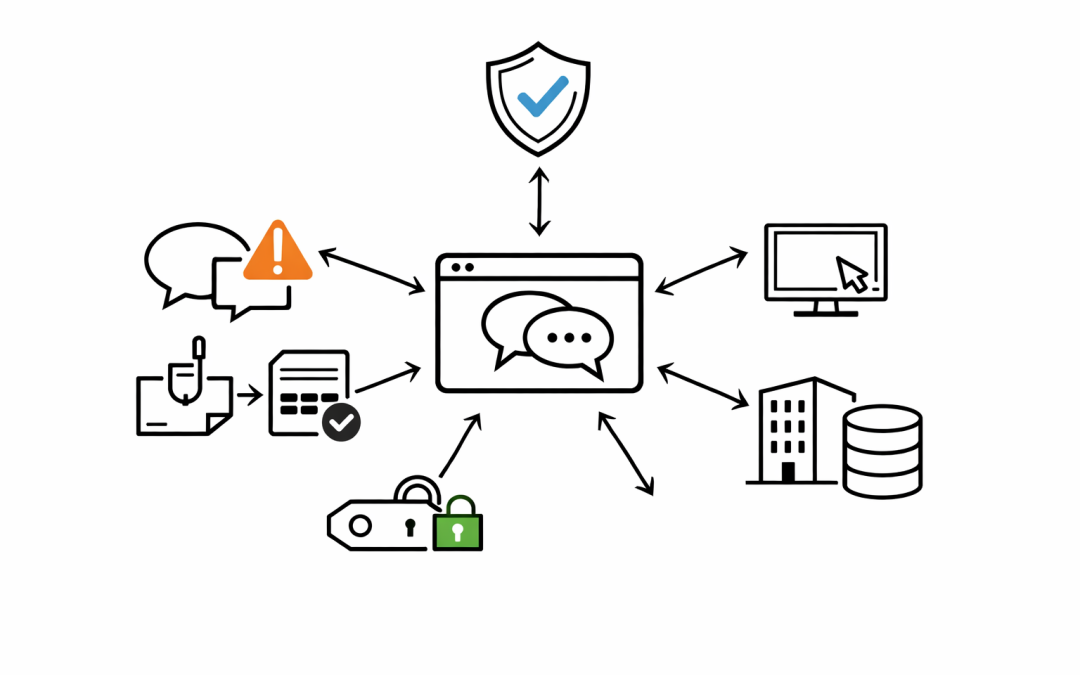
An attacker compromises a legitimate Microsoft 365 tenant, often a small business or dormant account, and uses it to message targets on other tenants. The display name is changed to something like “Help Desk”, “IT Support”, or “Microsoft Security”. The message arrives through Teams federation, so it carries the Microsoft Teams branding the user trusts.
From there, the playbook splits in two directions. Some attackers send a malicious file or OneDrive link. Others walk the user through a fake MFA reset, harvesting credentials and push-approval fatigue along the way. In several cases, the same actors then pivot to Quick Assist or other remote support tools to execute payloads directly on the endpoint.
The attack works because it bypasses the filters organisations rely on. Email gateways never see the message. Staff have been trained to be suspicious of email, but not of Teams.
Why Australian Organisations Are Particularly Exposed
Three factors make this threat especially relevant to Australian CIOs and IT Directors right now.
First, Australian mid-market organisations have heavily adopted Microsoft 365 and Teams over the past three years, often without revisiting the default external collaboration settings configured during rollout.
Second, the ACSC and ASD have continued to flag social engineering and credential theft as primary initial access vectors in their quarterly threat assessments. Teams-based attacks fit squarely inside that pattern.
Third, Essential 8 maturity expectations are rising. User education, MFA hardening, and restrict-administrative-privileges controls all intersect with this specific attack chain. Boards and auditors are asking harder questions about how these controls are actually enforced, not just documented.
What IT Teams Should Change This Week
The good news is that the mitigations are mostly configuration changes inside tenants the organisation already owns. No new product required. The team at CloudProInc recommends the following priorities for any Australian organisation running Microsoft 365.
1. Restrict External Teams Access
In the Teams admin centre, review External Access settings. The safest default for most mid-market organisations is to block communication with all external domains and allow only a named list of trusted partners.
If a full block is not operationally viable, disable unmanaged Teams accounts at a minimum. That single change removes the attacker’s cheapest path in, which is standing up a free consumer or trial tenant and messaging from there.
2. Tighten Conditional Access and MFA
Phishing-resistant MFA is no longer optional. Move the organisation off SMS and voice-call MFA, and prioritise FIDO2 security keys, Windows Hello for Business, or number-matching in the Microsoft Authenticator app.
Conditional Access policies should enforce compliant-device requirements for access to Teams, SharePoint, and Exchange. Sign-in risk and user risk policies inside Microsoft Entra ID Protection should be set to block or require strong re-authentication, not just prompt the user.
3. Turn On Defender for Office 365 Teams Protection
Safe Links and Safe Attachments for Microsoft Teams are built into Defender for Office 365 Plan 2, and they catch a meaningful percentage of the payloads seen in this attack pattern. Many organisations are licensed for the capability but have never flipped the switch.
Review whether the tenant has Teams protection enabled, and whether alerts from Teams activity are flowing into the security operations queue rather than sitting unread in a mailbox.
4. Update User Awareness Content
Most security awareness programs still lead with email phishing. That content needs an urgent refresh.
Users need to know that a message from “IT Helpdesk” on Teams can be external, and that a legitimate internal helpdesk will never ask them to approve an MFA prompt they did not initiate or to install remote support software on an unsolicited call. Short, role-specific reminders delivered through Viva Learning or a scheduled Teams announcement perform better than annual training modules.
5. Constrain Remote Support Tooling
Quick Assist, AnyDesk, TeamViewer, and similar tools are frequently weaponised in the final stage of this attack. If the organisation does not formally use these for IT support, block them through AppLocker, Intune, or Defender for Endpoint attack surface reduction rules.
If they are used, restrict execution to known support accounts and log every session.
Mapping This Back to Essential 8
Each of the mitigations above aligns directly to an Essential 8 control.
User application hardening and restrict Microsoft Office macros map to blocking the payload delivery stage. Multi-factor authentication and restrict administrative privileges map to blunting the credential theft and lateral movement stages. User education supports every layer.
For organisations targeting Essential 8 Maturity Level Two, this attack pattern is a useful stress test. If the controls cannot be evidenced as actually preventing a Teams-delivered helpdesk impersonation attempt, the maturity rating is likely aspirational rather than real.
The Week-One Priority Is Exposure Reduction
The teams that weather this wave best are the ones treating it as a configuration and governance issue, not a tooling purchase. Most of the controls are already licensed. The work is reviewing the settings, aligning them to Essential 8, and briefing the business on why the changes matter.
CloudProInc works with Australian mid-market organisations to run focused Microsoft 365 security reviews that map existing configuration to Essential 8 and the ACSC’s current threat guidance, with practical remediation plans the internal IT team can execute. If your tenant has not been reviewed against this specific attack pattern, this is the week to do it.
Discover more from CPI Consulting
Subscribe to get the latest posts sent to your email.