by CPI Staff | Aug 22, 2026 | Azure, Bicep, Blog, VS Code
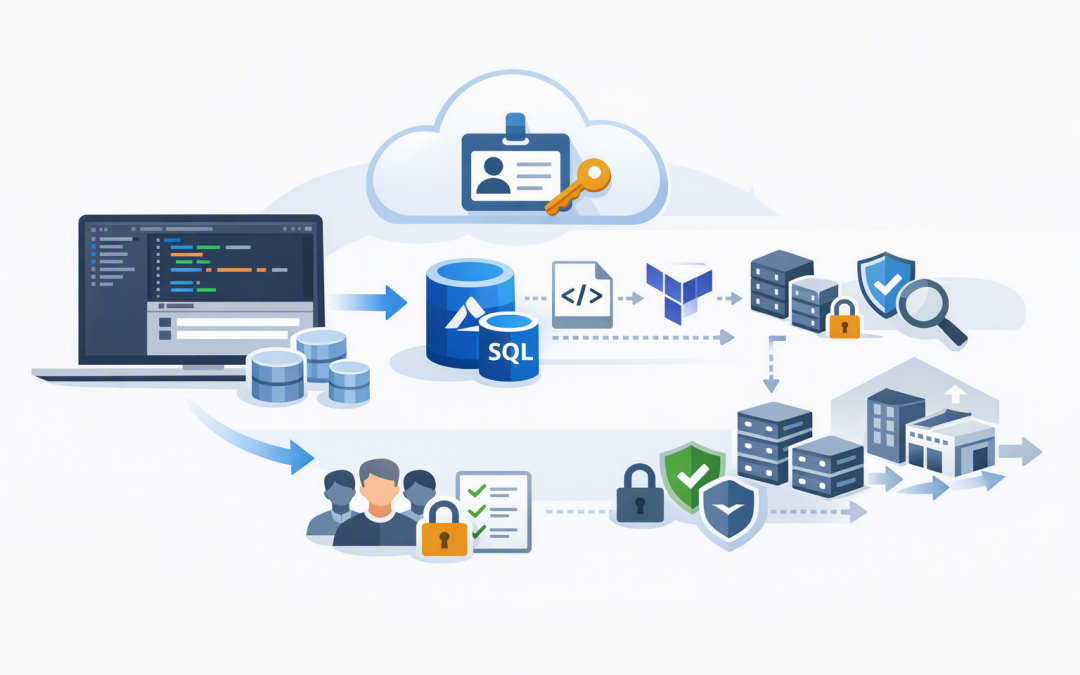
In this blog post Why In-Editor Azure SQL Provisioning Changes Cloud Delivery we will explain why creating databases inside Visual Studio Code can remove a surprisingly common delivery bottleneck without removing the controls your business needs. The problem is...
by CPI Staff | Aug 16, 2026 | Azure, Bicep, Blog, Microsoft AI Foundry
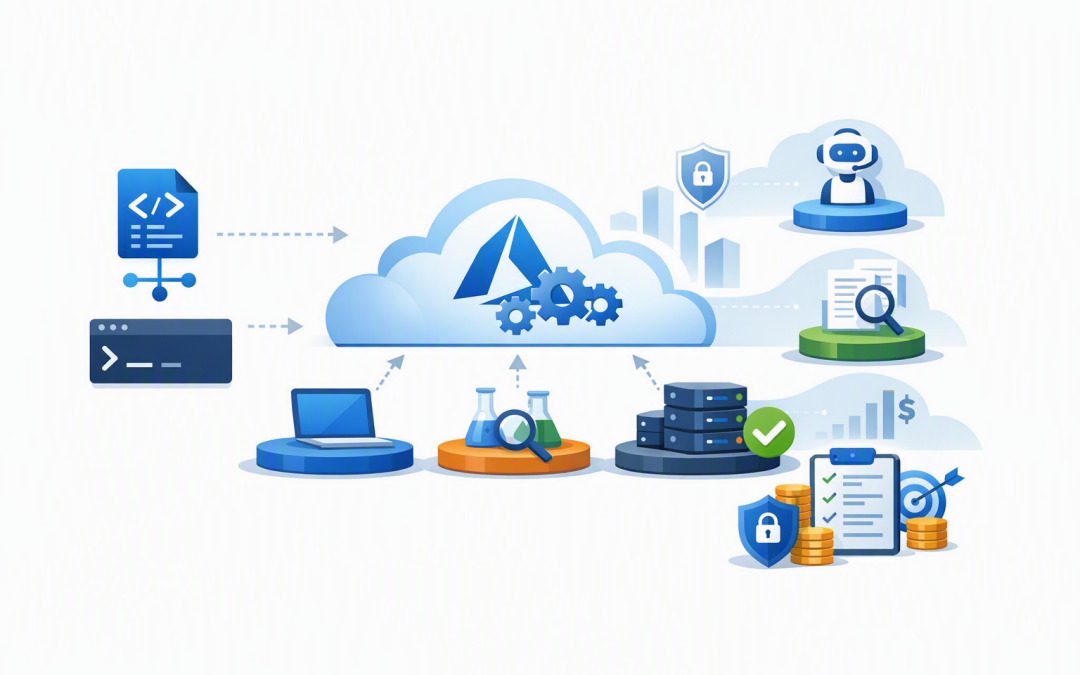
In this blog post Provisioning Microsoft Foundry with Bicep and Azure Developer CLI we will create a repeatable AI environment without relying on someone to click through dozens of Azure portal screens. That matters because manual AI deployments quickly become...
by CPI Staff | Jul 29, 2024 | Azure, Bicep, Blog, Entra ID
In this Azure Bicep and Entra ID, we will show you how to create an Entra ID App Registration using Azure Bicep. Entra ID (formerly Azure Active Directory) is Microsoft’s Azure and Microsoft 355 authentication and authorization service, handling all login events...
by CPI Staff | Jul 21, 2024 | AI, Azure, Azure AI Services, Bicep, Blog
This Azure AI Services post will show how to retrieve Azure AI Services keys and Endpoint using Bicep deployment code. If you are not familiar with Azure Bicep, it is a Specific Domain Language (DSL) for infrastructure-as-code (iac) deployments in Azure only. Unlike...